Overview of Processes and Software Reports
These reports provide complete visibility over the software installed and processes running on endpoints in your organization. This section also has a report named Securden Agent on Computers that provides version information of agents installed on endpoints and servers.
Processes and Software Report
This report contains a separate table for listing all the processes running on endpoints, and a separate table for listing all the software installed on each machine.
The table will show individual computers and the list of processes and software that exist on that computer.
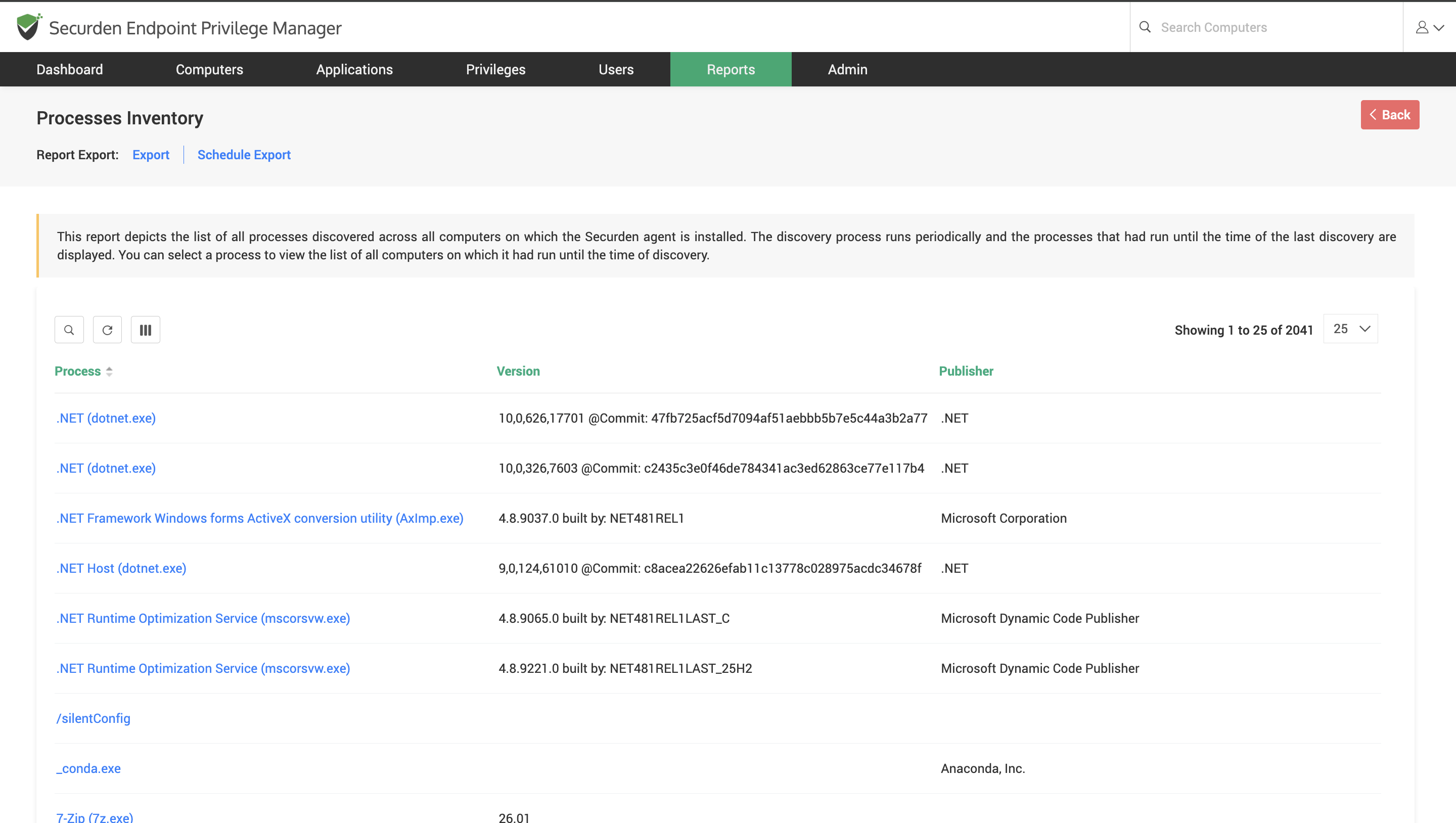
Processes Report
This report lists all processes discovered across computers on which the Securden Agent is running.
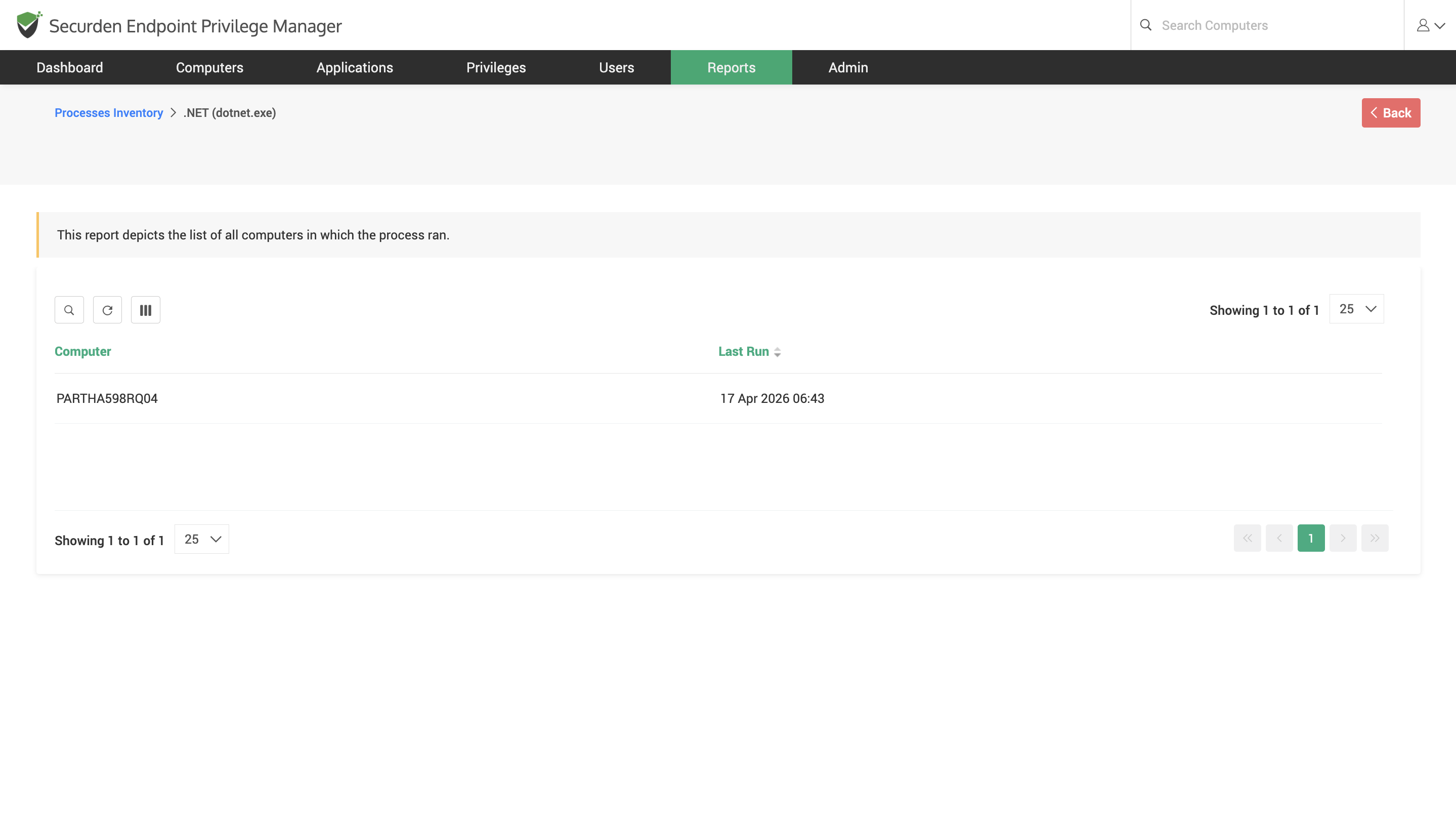
You can click on a process and see the list of computers on which the process has been found.
Software Inventory Report
This report depicts the list of all software installed on Windows and macOS devices on which the Securden Agent is currently running.
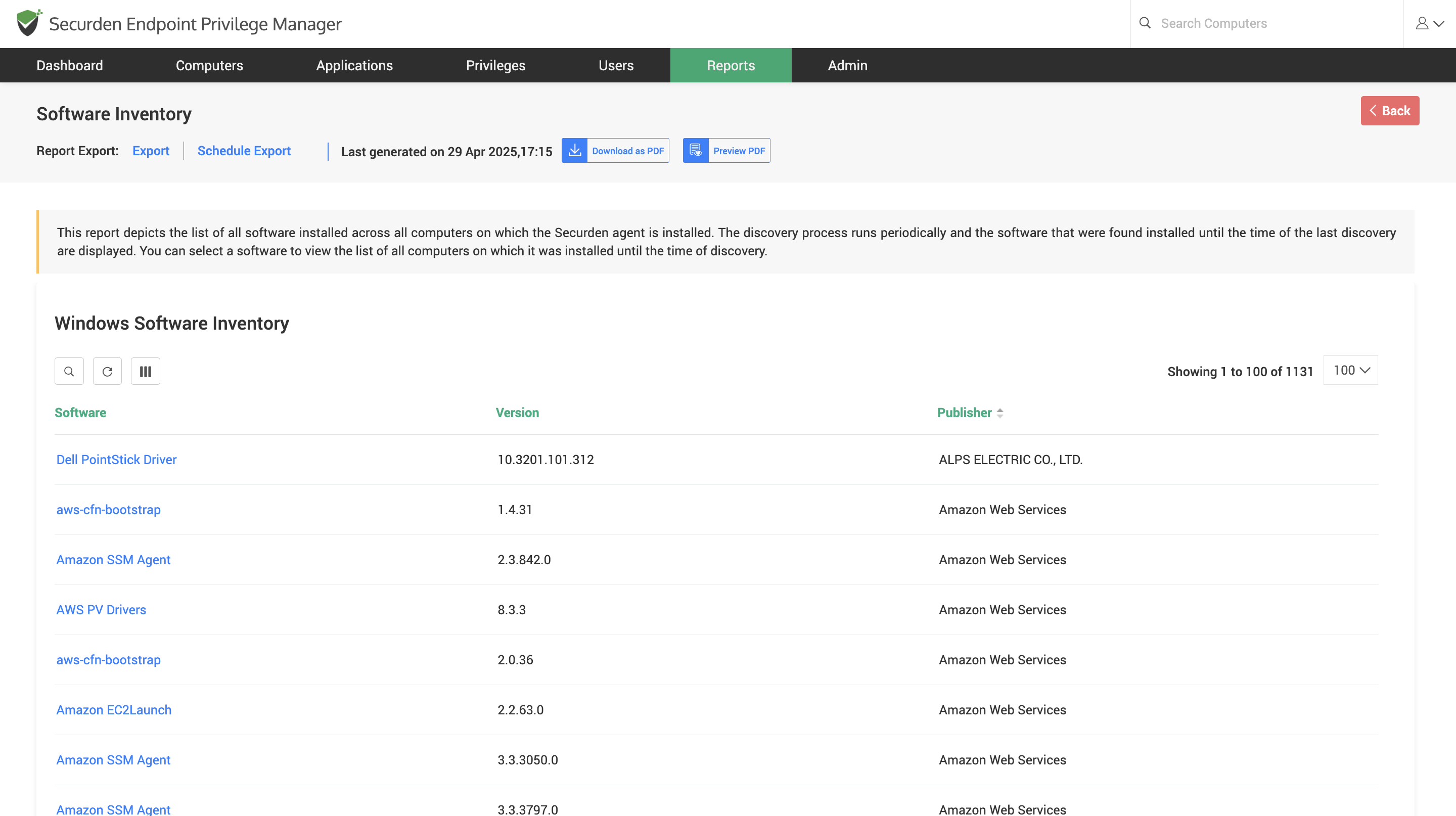
You can scroll down the list of Windows software to find a separate table containing the list of macOS software.
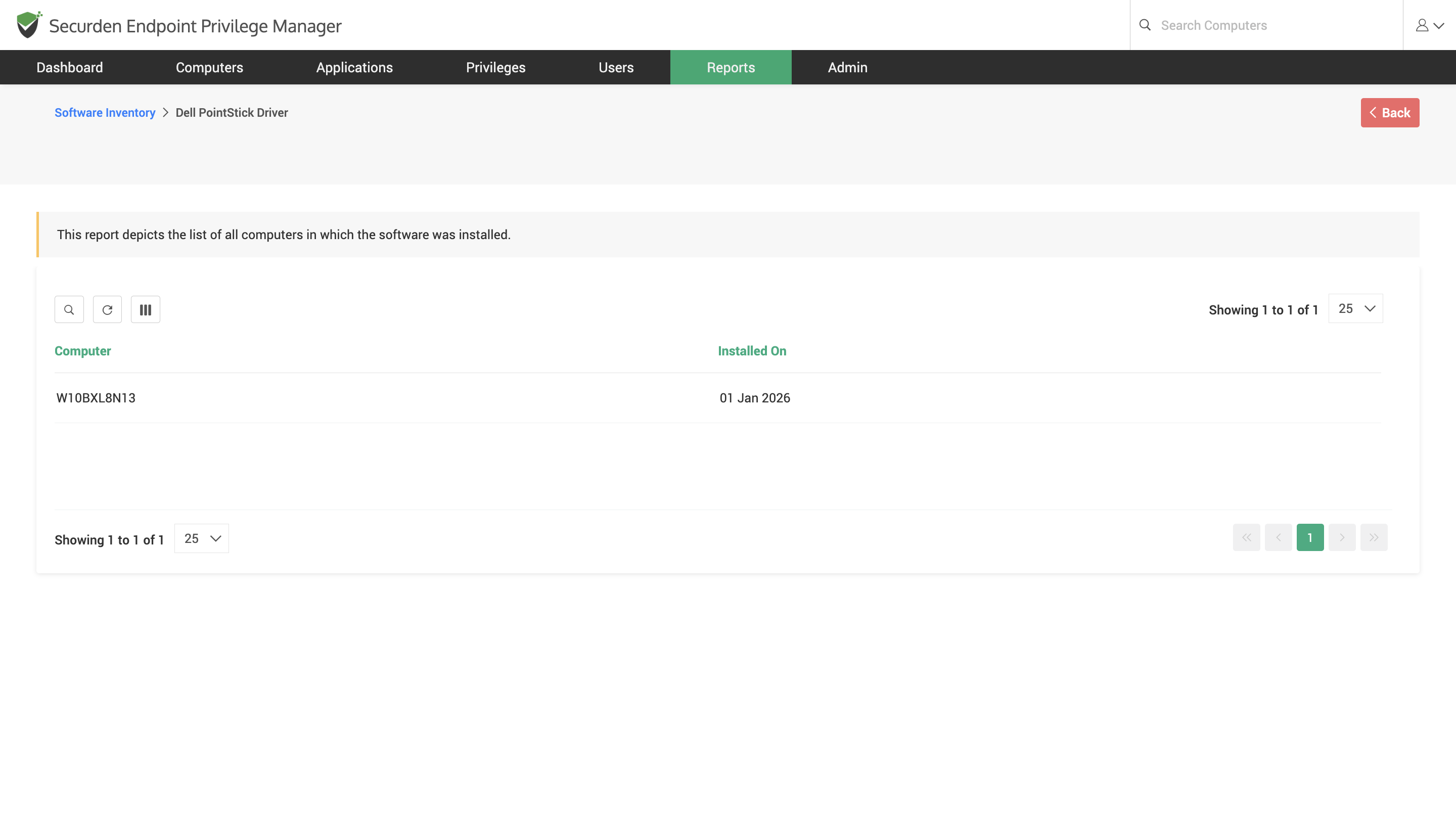
You can click on a specific application and view the list of computers on which the application is installed and the date on which the installation was performed.