Overview of Admin Rights Analysis Reports
These reports provide deep insights on existence of local admin accounts, privilege elevation activities for specific applications, which policy is in effect for specific users on specific computers, applications that can be elevated by specific users/all users on specific machines/all machines.
To see these reports, navigate to Reports >> Standard Reports and scroll down to view the section shown below.
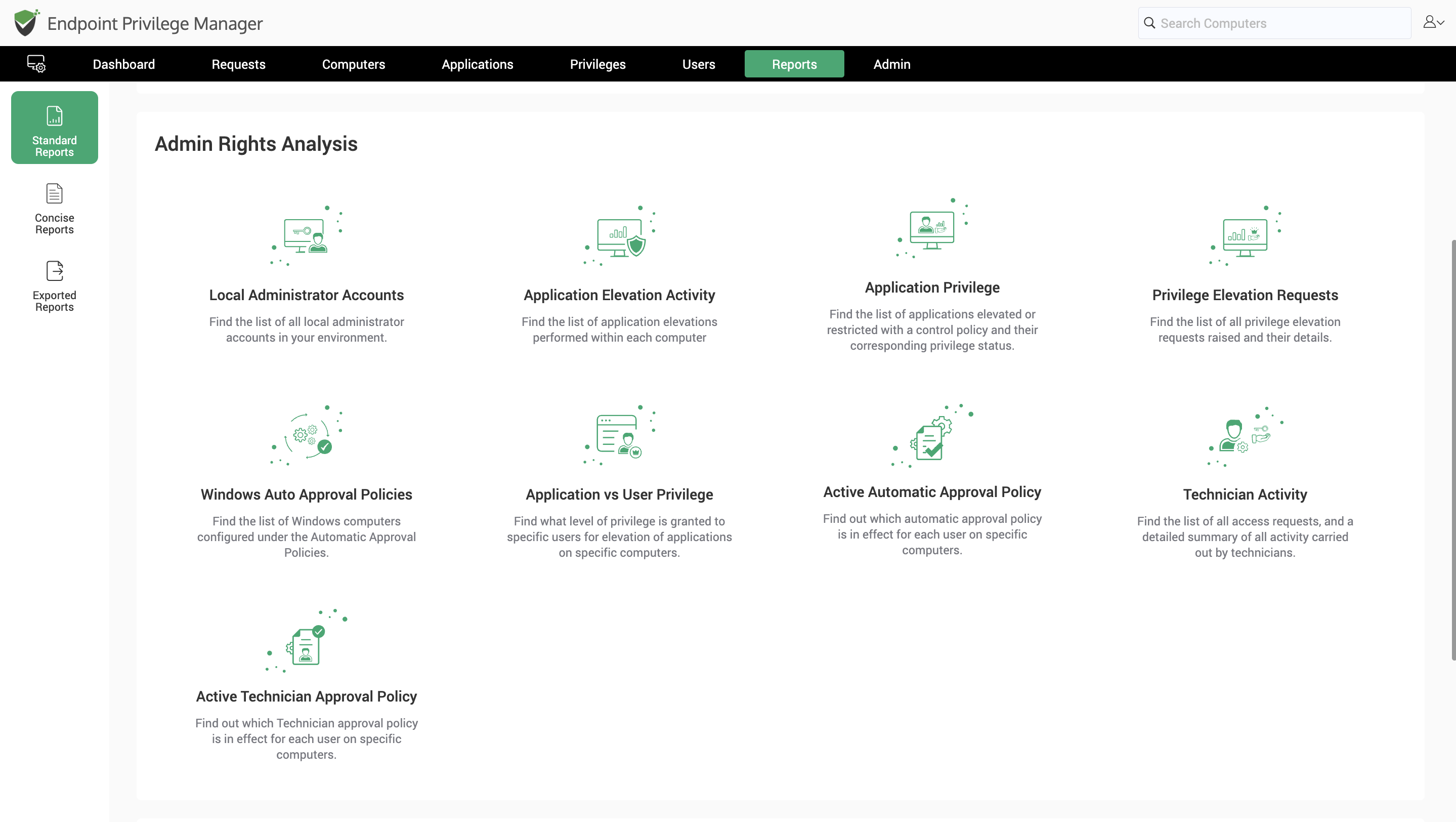
This section contains the following reports:
-
Local Administrator Accounts: This report provides data on all the local administrator accounts present on endpoints in your network on which agents are deployed.
-
Application Elevation: This report contains the list of app elevations performed on each computer in the organization.
-
Application Privilege: This report shows which applications can be elevated by users on computers in your organization.
-
Privilege Elevation Requests: This report contains the list of all privilege elevation requests raised on endpoints and servers along with details pertaining to each request.
-
Windows Auto Approval Policies: This report provides information on all the auto-approval policies that are associated with all/specific users on all/specific Windows machines.
-
Application Vs User Privilege: This report allows you to select a specific computer and view the list of applications each user can elevate on that computer.
-
Active Automatic Approval Policy: When multiple automatic approval policies are associated with a specific user or a computer, this report helps identify which policy is enforced for a specific user/computer combination.
-
Technician Activity: This report contains the list of technician sessions launched by technicians along with the applications elevated in the session and the corresponding reason provided by the technician.
-
Active Technician Access Policy: This report allows you to select a specific computer and user to view the list of technician access policies associated with that user on that computer.


