
What is a Concise Report in Password Vault?
The Concise Reports section provides a collection of pre-built, quick-access reports that deliver targeted insights into account usage, password hygiene, user activity, and access patterns.
Unlike standard reports, which offer detailed dashboards and drill-down views, concise reports are designed for rapid analysis and operational checks, enabling administrators to quickly retrieve specific datasets such as inactive users, non-compliant passwords, or unused accounts.
These reports are grouped into categories such as Account Management, User Management, Folder Management, My Accounts, and My Folders, making it easier to locate and generate relevant insights.
How to Access Concise Reports in Password Vault
To view available concise reports:
- Navigate to Reports → Concise Reports.
- The page displays a categorized list of reports under sections such as:
- Account Management
- User Management
- Folder Management
- My Accounts
- My Folders
- Each entry represents a specific report that can be generated instantly.
How to Generate a Concise Report
To generate a concise report:
- Locate the required report from the list (for example, List of passwords not changed in the last 30 days).
- Click on View Report corresponding to the selected item.
- The report will open in a tabular format, displaying relevant data such as Account Title, Account Address, Account Type, Policy Name, Tags, and Folder Path.
- Use this view to quickly analyze the required dataset without navigating through multiple report layers.
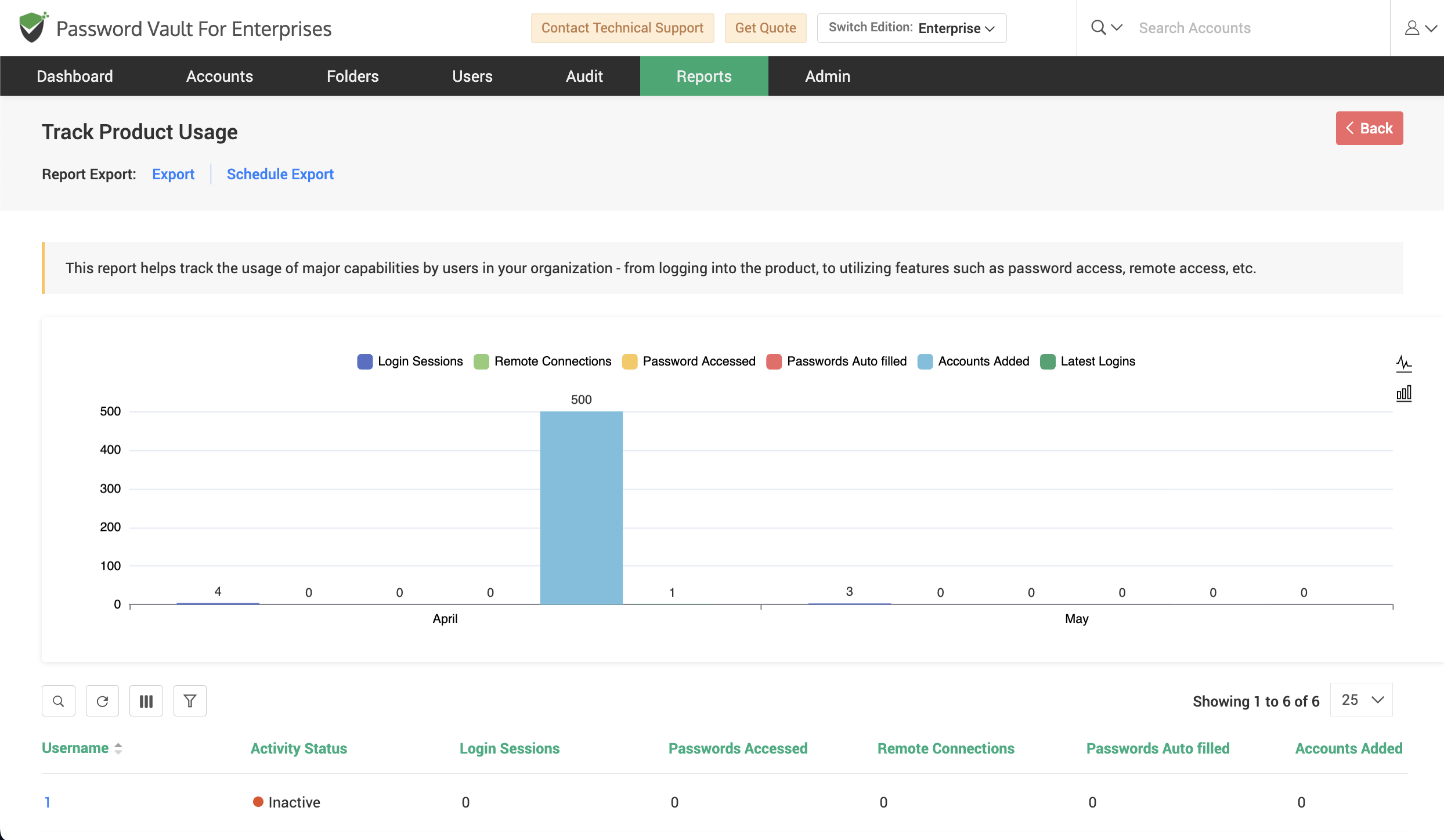
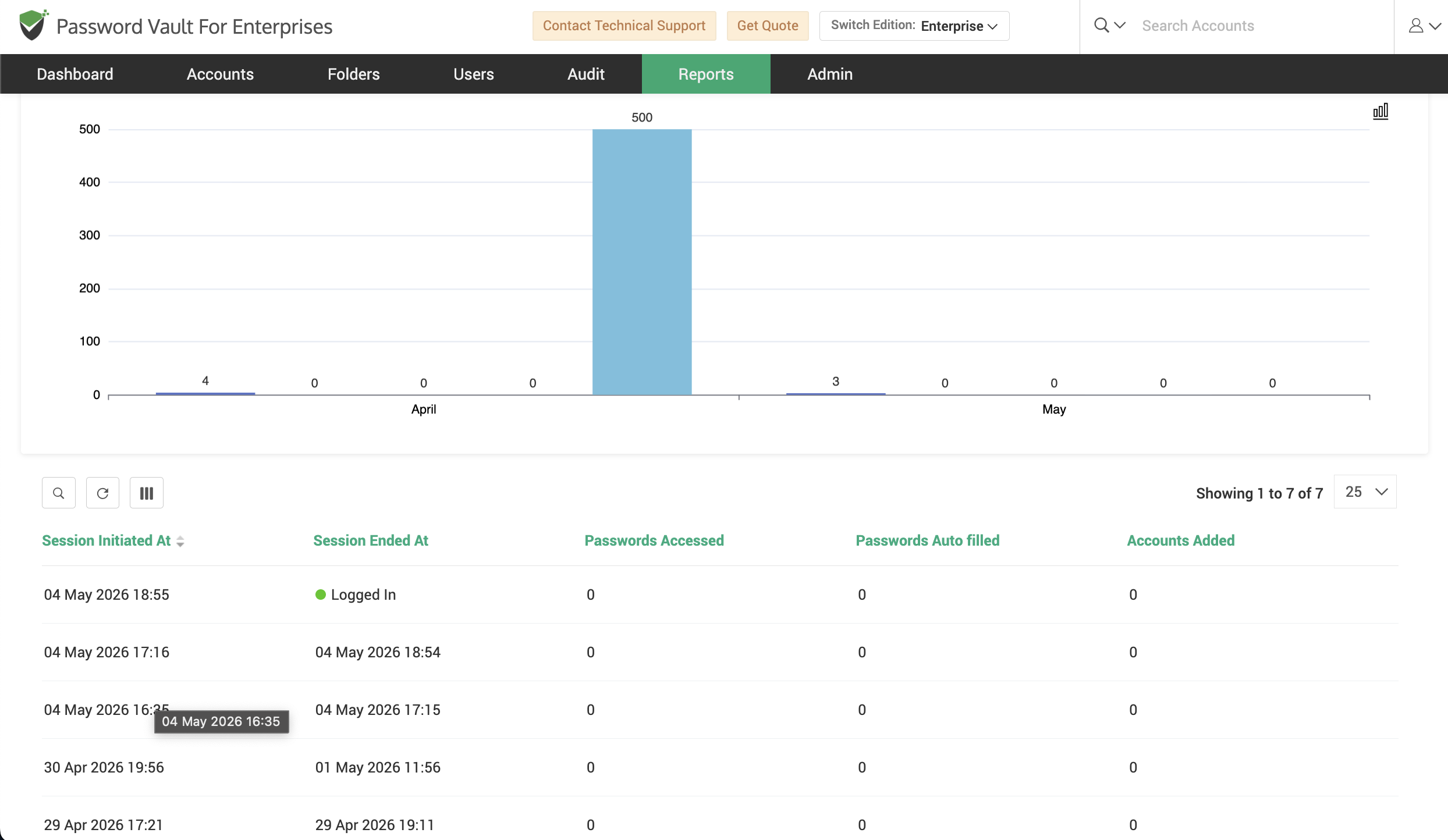
How to Customize Report Parameters
Certain concise reports allow customization based on parameters such as time duration.
To modify report criteria:
- Click on Customize next to the report.
- In the Customize Report window, enter the required value (for example, number of days).
- Click Save to apply the changes.
- Once updated, click View Report to generate the report based on the modified parameters.
This allows administrators to dynamically adjust reports such as Passwords not changed in X days, Passwords not accessed in X days, Accounts inactive for a defined period, and so on.
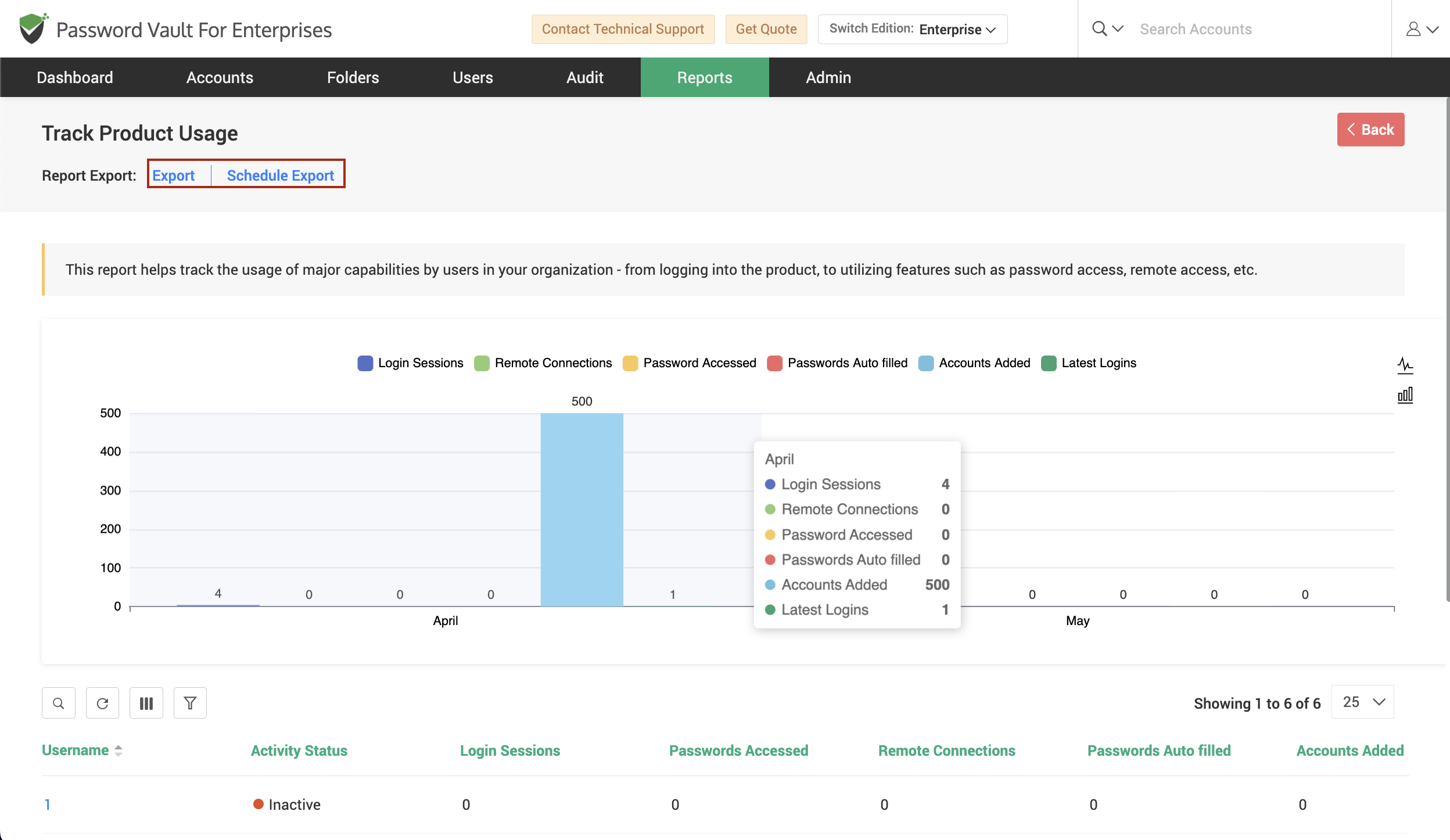
How to Use Filters and Export Options
Within the generated report:
- Use the available controls to:
- Search and filter records
- Refresh the dataset
- Adjust column visibility
- Click on Export to download the report in a supported format such as CSV, PDF, or XLSX.
- Click on Schedule Export to automate report generation at defined intervals.
- Use the Download as option if available to access previously generated reports for auditing or analysis.
FAQs
What are concise reports in Password Vault and how are they different from standard reports?
Concise reports are lightweight, pre-built reports designed for quick access to specific datasets such as inactive users, expired passwords, or unused accounts. Unlike standard reports, they do not include detailed dashboards or drill-down analytics, making them ideal for rapid checks and operational monitoring.
Can I customize concise reports based on time or conditions?
Yes, certain concise reports support customization. You can modify parameters such as the number of days (for example, passwords not changed in the last X days or inactive users over a defined period) using the Customize option before generating the report.
What kind of insights can I get from concise reports?
Concise reports provide targeted insights across multiple areas including password hygiene, user activity, account ownership, sharing patterns, and folder access. They help administrators quickly identify risks, enforce policies, and take immediate action without navigating complex reports.