
Product License Key
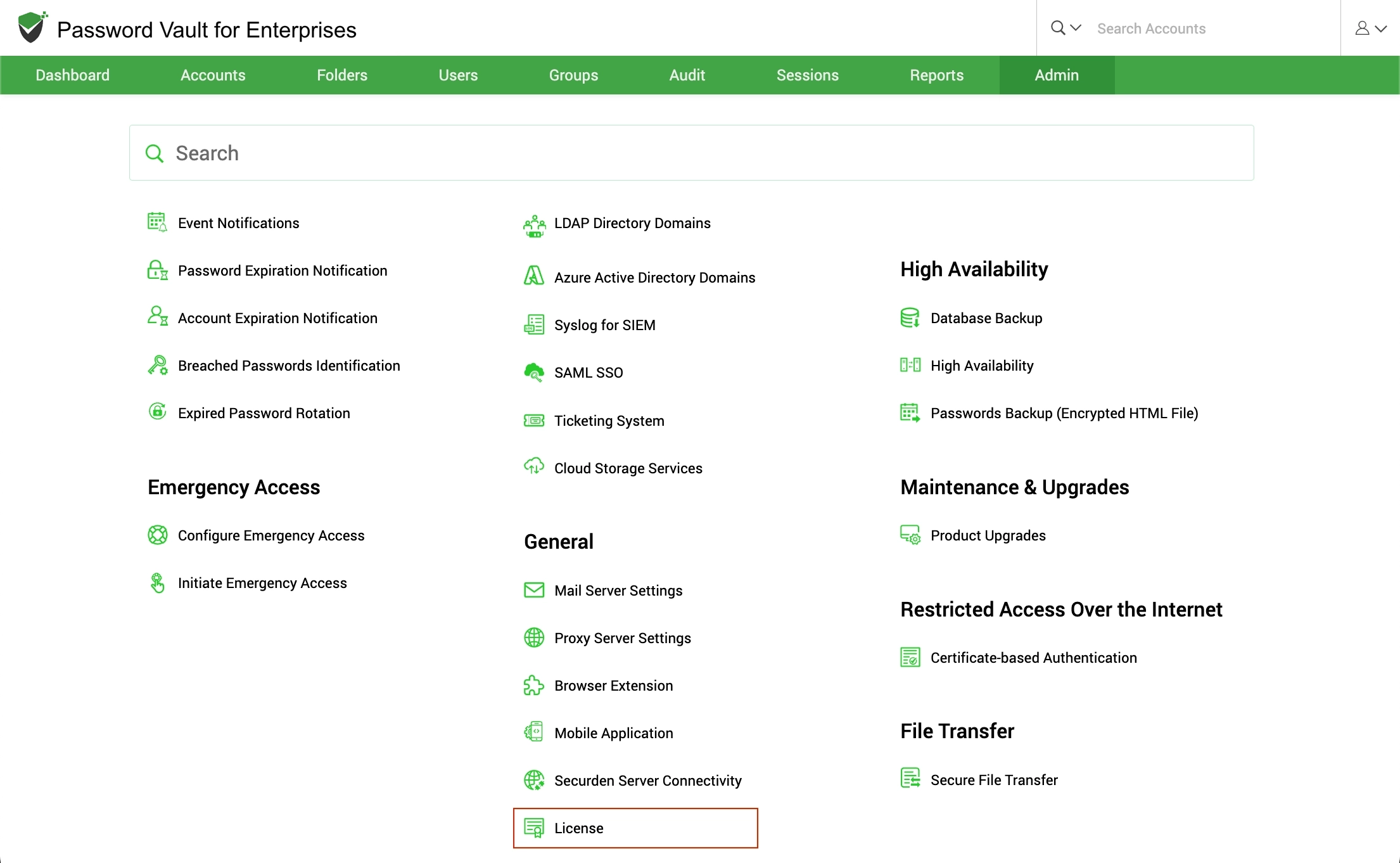
You can apply the Securden license key and get information about the existing license from Admin >> General >> License section.
In the License details page, the following details are displayed:
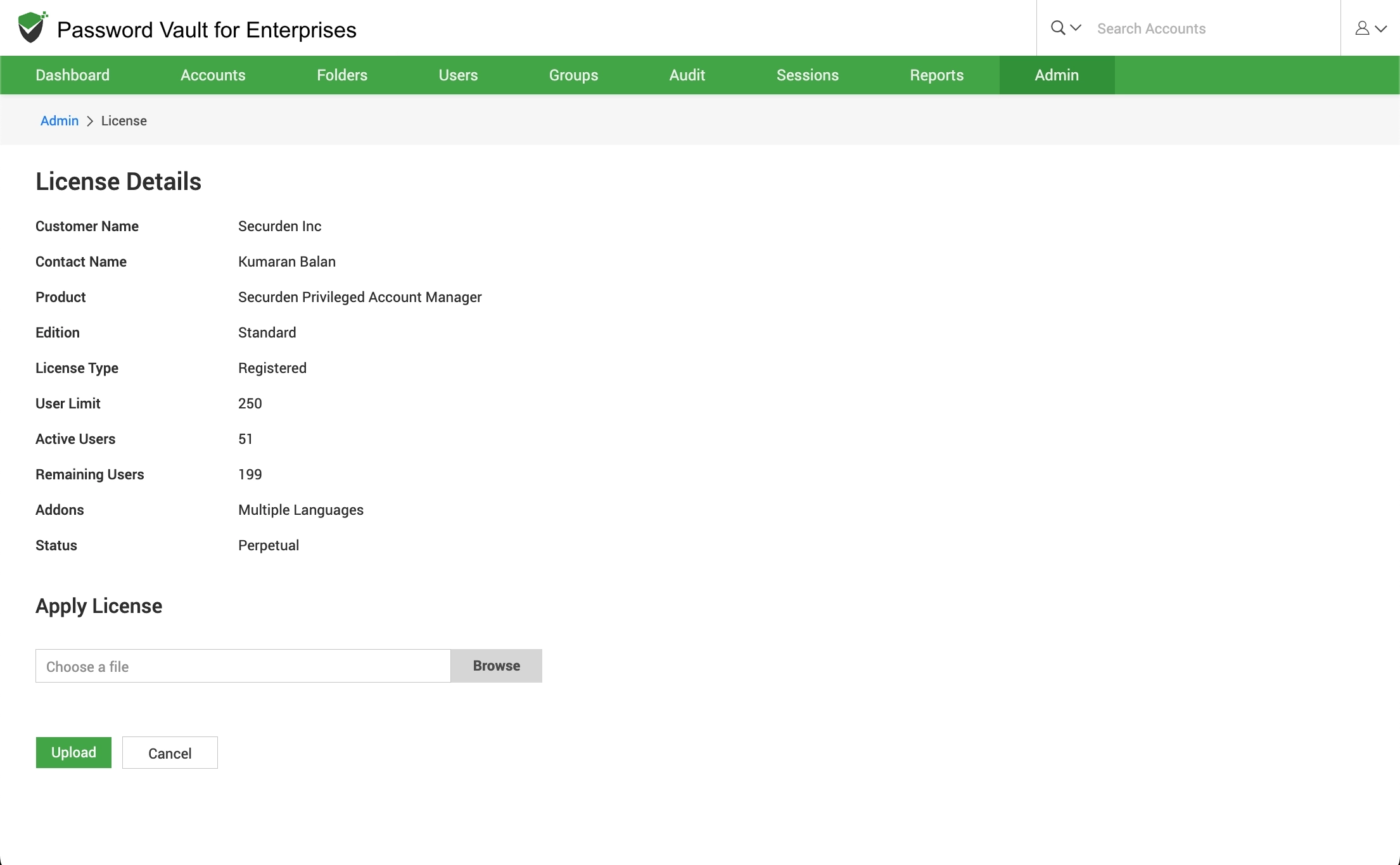
- Customer Name: The name of the organization for which the product is licensed
- Contact Name: Contact person within the company
- Product: The name of the product purchased from Securden.
- Edition: Product edition name
- License Type: This indicates if you are a registered user or if you are using the trial version.
- User Limit: The number of users that can be onboarded into Securden.
- Active Users: The number of users that are currently onboarded into thesolution.
- Remaining Users: The number of users who can be added into Securden.
- Addons: Product addons, if any.
- Status: The number of days until expiration is displayed here. To add a new license, you can use the browse button to search for that license and upload the same.