



Privileged accounts are the master keys to an organization's most critical systems. One compromised account can topple an entire security infrastructure—turning a minor vulnerability into a catastrophic breach.
Protecting these accounts in the healthcare, finance, and defense sectors isn't just a checkbox exercise. It's a survival strategy. Cybersecurity threats don't discriminate between industries. They probe, push, and exploit any weakness they can find.
Privileged Access Management (PAM) tools emerged as the frontline defense against these sophisticated attacks. They do more than just protect accounts—they create an intelligent, adaptive security barrier that controls who enters when, and what they can touch.
In this blog, we will study the top 6 PAM tools on the radar this year. Read on to find out how these leading PAM solutions work, what to look for when choosing one, and our top picks to enhance your security posture.
What is a PAM Tool? A Guide to Privileged Access Management Tools
Privileged Access Management (PAM) tools are security solutions designed to protect an organization's critical assets by securing, controlling, and monitoring administrative and privileged accounts. They minimize cyberattack surfaces by vaulting credentials, enforcing the principle of least privilege, and enabling Just-In-Time (JIT) access.
How Do PAM Solutions Work for End-Users?
PAM solutions act as a secure vault and control center for privileged accounts. Users who need privileged access log into the PAM system to access credentials and launch secure remote sessions instead of connecting directly to target systems with the username and password.
Here's the process:
- Users request access to remote systems through the PAM platform
- Securden verifies their identity and permissions and routes the request to an approver
- Upon approval, they receive temporary JIT-access to credentials
- Once access starts, their actions are recorded & monitored throughout
- Session access automatically expires after the set duration
Following this approach, PAM tools keep privileged credentials secure while maintaining detailed records of who accessed what and when.
How Did We Evaluate and Select This List of PAM Tools?
We assessed over 20 PAM solutions through a rigorous process combining user reviews, market data, and direct performance testing. Here's how we curated our list of the top 6 PAM tools for 2026:
- User Experience Reviews: We analyzed real-world feedback across major review platforms, setting a minimum average G2 rating threshold of 4.2/5. All the data from portals like G2 and Gartner provided insights into implementation success stories, user satisfaction rates, and issues real-life users faced in different organizational settings.
- Technical Assessment: Our technical evaluation went beyond surface-level marketing claims. We meticulously examined each PAM tool by diving deep into vendor documentation, implementation guides, and expert-authored technical resources.
- Pricing and Value: We broke down the true cost of ownership for each tool, examining both obvious and hidden expenses. Special attention was given to scalability options since PAM needs often grow with the organization.
We gathered data from multiple sources, including vendor documentation, user interviews, product data sheets, and security information.
Each tool was evaluated using these criteria, giving extra weight to real-world performance and user feedback.
Brief Overview: Top PAM Tools and Best PAM Security Tools at a Glance
| Software | Best For | Key Features | Pricing |
|---|---|---|---|
| Securden | Teams wanting an all-in-one PAM platform (vault, remote access, session management, EPM) without per-module add-ons | Centralized credential vault, automated password rotation, SSH key management, just-in-time access, privileged session recording, endpoint privilege management | Quote-based, licensed per user. 30-day free trial available |
| CyberArk | Large enterprises in complex, highly regulated environments needing a mature, broad identity security platform | Privileged credential vault, adaptive context-aware MFA and SSO, threat analytics, session monitoring, hybrid and multi-cloud support | Quote-based |
| Delinea | Enterprises focused on privileged credential vaulting and password management across hybrid environments | Secret Server credential vault, automated password rotation, session monitoring, workflow-based access, least-privilege enforcement | Quote-based |
| BeyondTrust | Organizations with diverse OS estates (Windows, Mac, Linux, Unix) wanting PAM, EPM, and remote access from one suite | Password Safe vaulting, endpoint privilege management, privileged remote access, RBAC, DevOps secrets safe, extensive audit trails | Quote-based, components licensed separately |
| HashiCorp Vault | DevOps and cloud-native teams needing secrets management and machine/workload identity at scale | Secrets management, dynamic secrets, encryption as a service, identity-based access, granular policies, audit logging, HA clustering | Free self-hosted Community edition; managed and Enterprise editions quote-based |
| StrongDM | DevOps and engineering-led teams managing infrastructure access across databases, servers, and Kubernetes | Just-in-time access, policy-based access control, live session recording, user activity monitoring, compliance reporting, credential-less access | Quote-based, free trial available |
Top PAM Tools: Our Privileged Access Management Tools List
What follows is an in-depth explanation of the 6 top PAM tools based on our evaluation criteria.
1. Securden
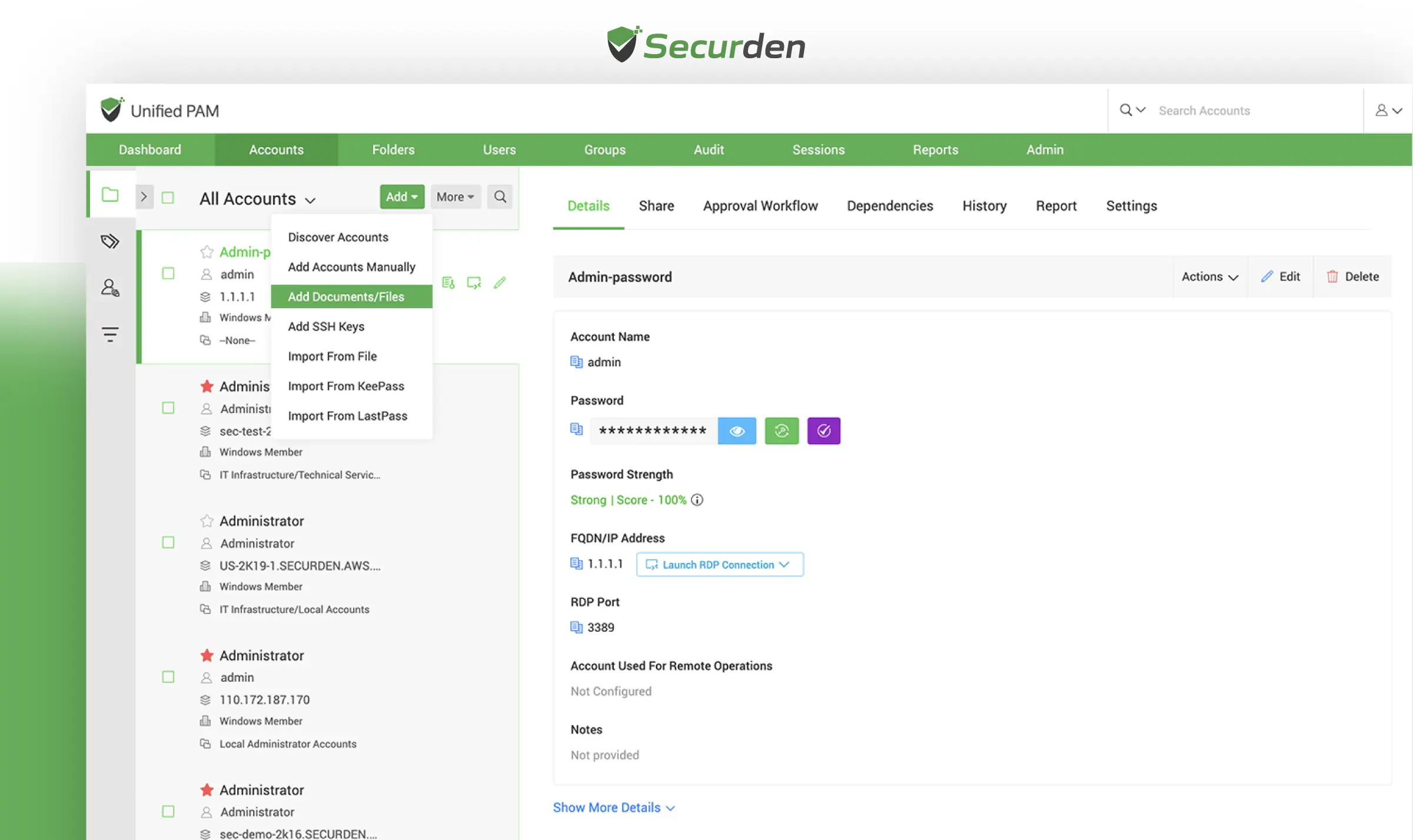
About Securden
Securden is an enterprise-grade Privileged Access Management (PAM) platform trusted by organizations worldwide - including Trimble, Brisbane Markets Limited, and Harvard Medical School. Founded to simplify complex security challenges, Securden is an established go-to solution for businesses seeking robust privileged account protection.
Securden’s Unified PAM stands out by offering a single, unified approach to PAM that addresses the diverse needs of modern enterprises. Securden helps teams manage, track, and secure privileged credentials across multiple environments, from small businesses to large corporations.
Key features of PAM like AES-256 encryption, multi-factor authentication (MFA), secure remote access, and automated credential rotation, ensure organizations maintain airtight security. Additionally, detailed audit logs and session recordings provide end-to-end visibility, enabling teams to proactively monitor and address potential vulnerabilities.
Beyond access management, Securden simplifies IT workflows, reduces operational bottlenecks, and ensures that businesses remain resilient against insider threats and cyberattacks. Recognized as a cost-effective alternative to CyberArk and BeyondTrust, Securden has been lauded as a GigaOm "outperformer" for its password management solution, which is again a part of Securden’s broader Unified PAM solution.
Built for flexibility, Securden offers deployment options, including on-premises, private cloud, and SaaS, making it adaptable to diverse IT environments. Its high availability and disaster recovery capabilities ensure uninterrupted access and quick recovery, even in critical situations.
Key features of Securden Unified PAM
| Features | Description |
|---|---|
| Centralized Vault | Securely store all sensitive information in a centralized vault for complete control. |
| Access Control | Implement granular access controls for smooth provisioning and de-provisioning of passwords. |
| Workflow-Based Just-in-Time Access | Provide temporary access to privileged accounts only when needed, minimizing credential misuse. |
| Automatic Password Randomization | Automatically randomize passwords for accounts at regular intervals to enhance security. |
| Activity Monitoring | Maintain a comprehensive trail of password access and changes for organization-wide visibility. |
| Privileged Session Recording | Record and playback privileged sessions to ensure accountability and monitor user activities. |
| Audit & Compliance Reports | Generate detailed reports to track privileged access activities and support regulatory compliance with regulations like GDPR, HIPAA, and PCI-DSS. |
| Endpoint Privilege Management | Manage local admin rights effectively to reduce the risk of malware and ransomware attacks. |
| High Availability and Disaster Recovery | Ensure uninterrupted access to primary and secondary servers and quick recovery options. |
Pros & Cons of Securden’s Unified PAM Solution
| Pros | Cons |
|---|---|
| ✅ Easy and intuitive user interface for managing privileged accounts. | ❌ The mobile app may have limited functionality compared to the desktop app. |
| ✅ Simple installation and configuration process with user-friendly guidance. | ❌ Some users report a learning curve for advanced features. |
| ✅ Scalable solution that grows with organizational needs. | |
| ✅ Provides organization-wide visibility and actionable security insights. | |
| ✅ Strong security features, including session recording and activity monitoring. | |
| ✅ High availability and disaster recovery options ensure uninterrupted access. |
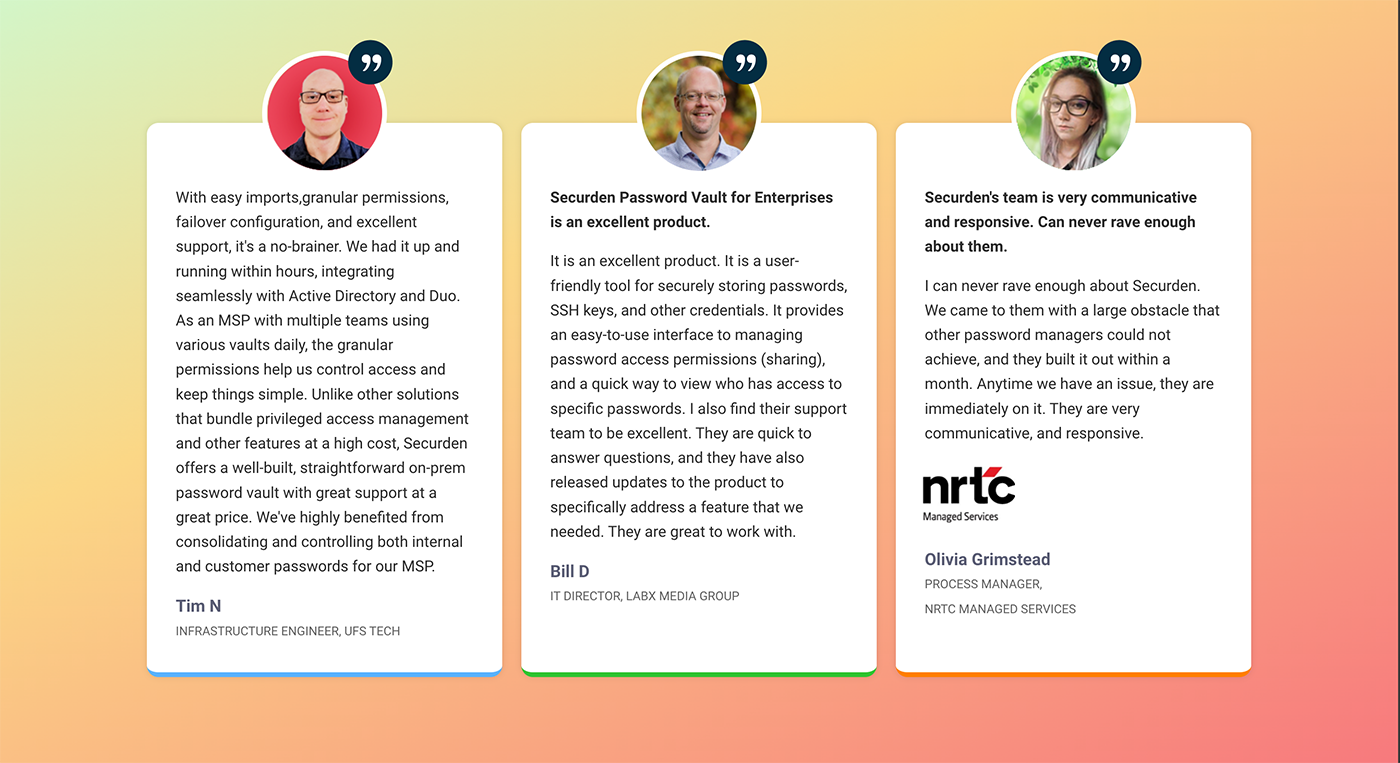
Client Testimonials
Protect Privileged Access Without the Complexity
Switch to a PAM solution that works the way you do. Securden's unified platform puts you in control without the learning curve.
2. CyberArk
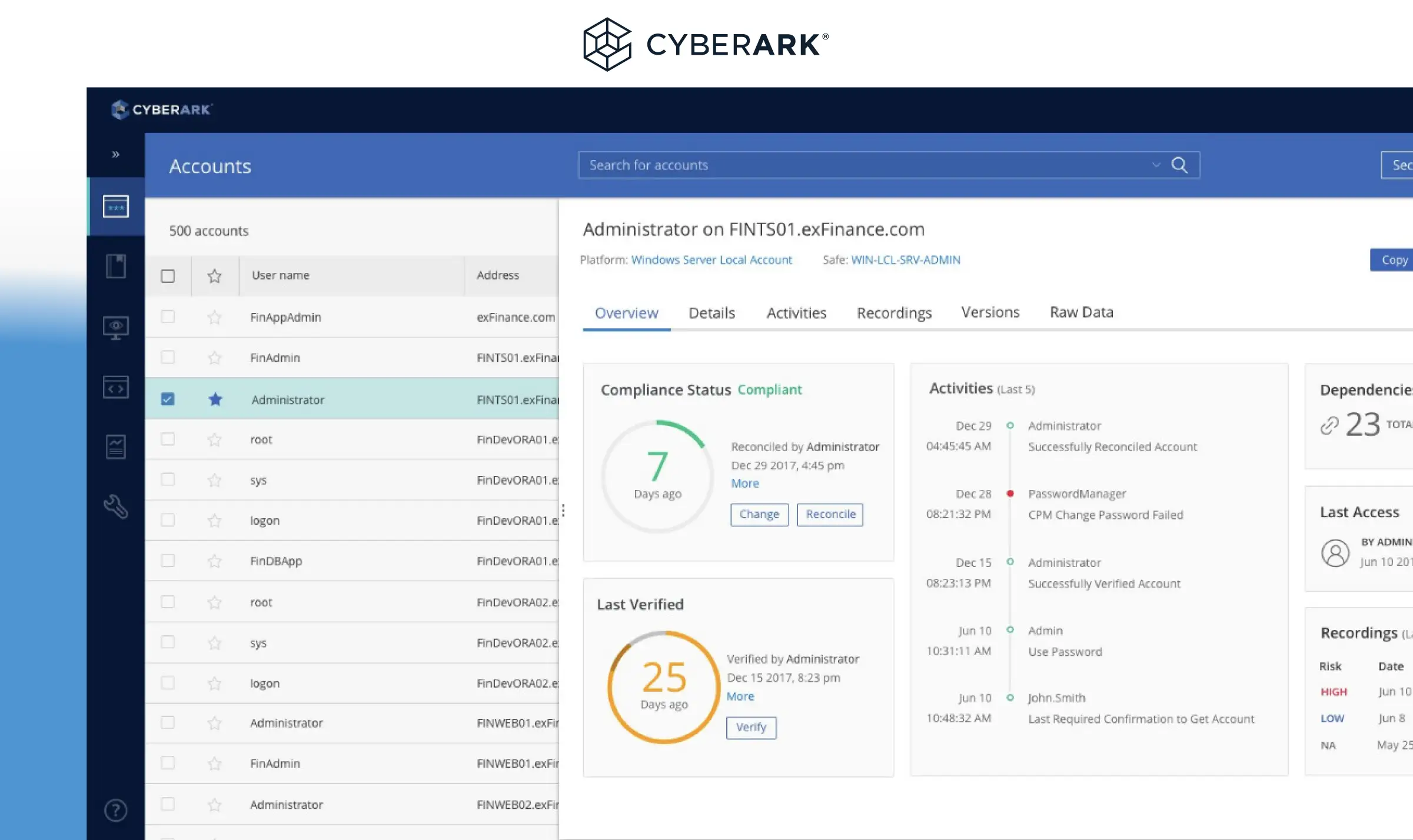
About CyberArk
Founded in 1999, CyberArk has built a reputation for providing robust, comprehensive solutions that protect organizations from advanced cyber threats targeting privileged accounts.
Renowned for its advanced capabilities, CyberArk offers tools to mitigate insider threats, secure remote access, and enforce privileged session management. Much like Securden’s Unified PAM, even CyberArk’s Identity Security Platform enables businesses to automate access provisioning and reduce risk across hybrid and multi-cloud environments.
One of CyberArk’s standout features is its ability to provide centralized control and granular access policies, ensuring compliance with stringent security standards such as PCI-DSS, GDPR, and HIPAA. The solution also includes robust threat analytics and real-time session monitoring, helping organizations proactively address potential vulnerabilities.
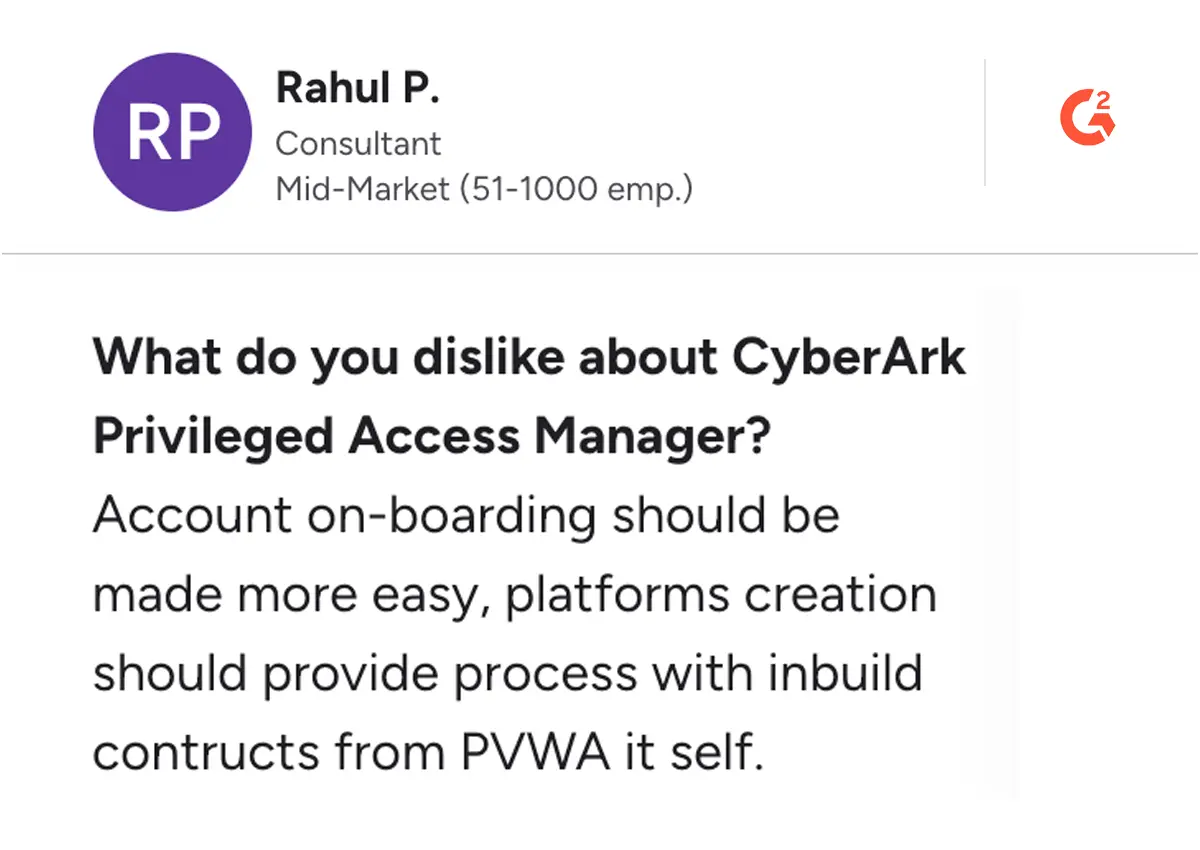
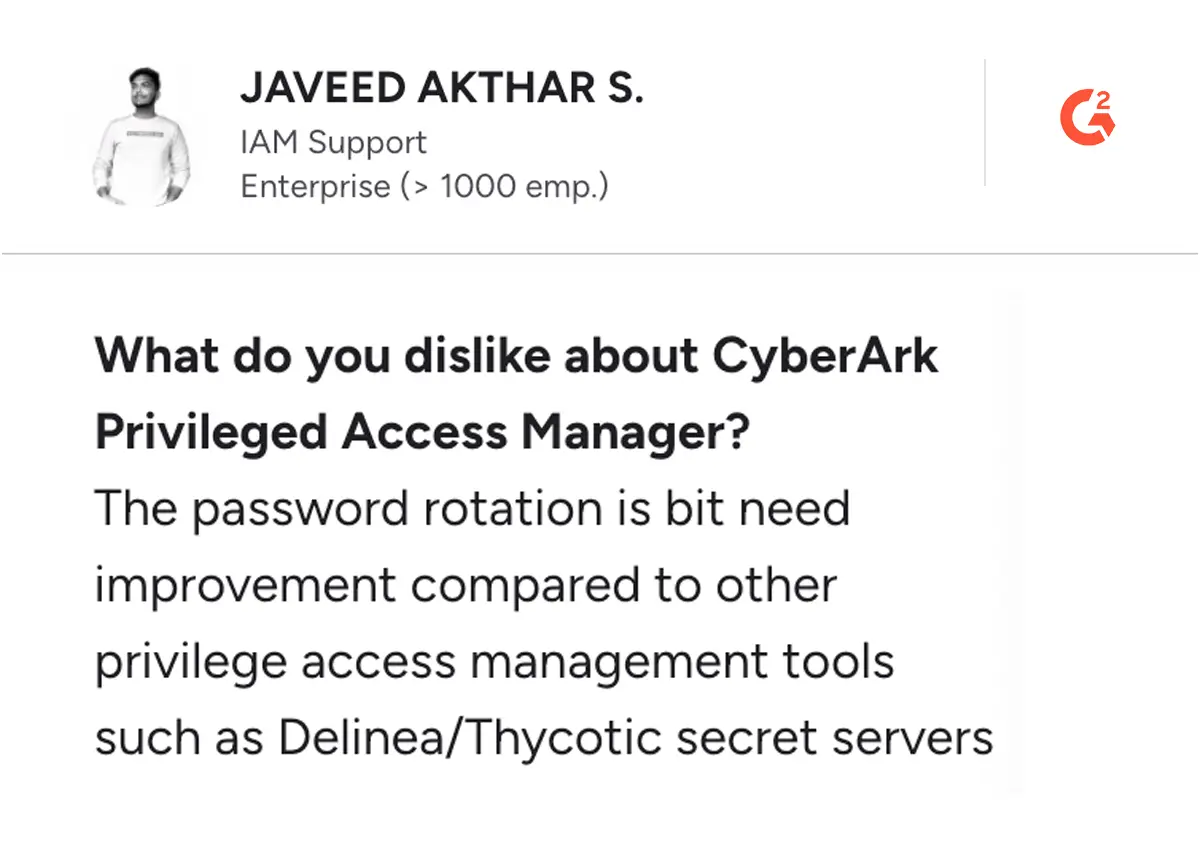
While CyberArk is praised for its reliability and innovation, it operates on a difficult and high pricing model, which can be a consideration for businesses. Many users find its comprehensive feature set worth the investment and infrastructure overhead, especially in larger organizations with complex security needs.
However, small and medium-sized enterprises or budget-conscious teams may explore alternatives that offer similar functionalities at a more cost-effective price point than CyberArk’s pricing.
Key Features
- Privileged Credential Vault: Centralized, encrypted storage for all critical credentials
- Dynamic Access Control: Real-time permission management across hybrid environments
- Threat Analytics: Advanced monitoring and risk detection for privileged sessions
- Cloud Provider Integration: Seamless security across on-premise and cloud platforms
Pros and Cons of CyberArk
Pros
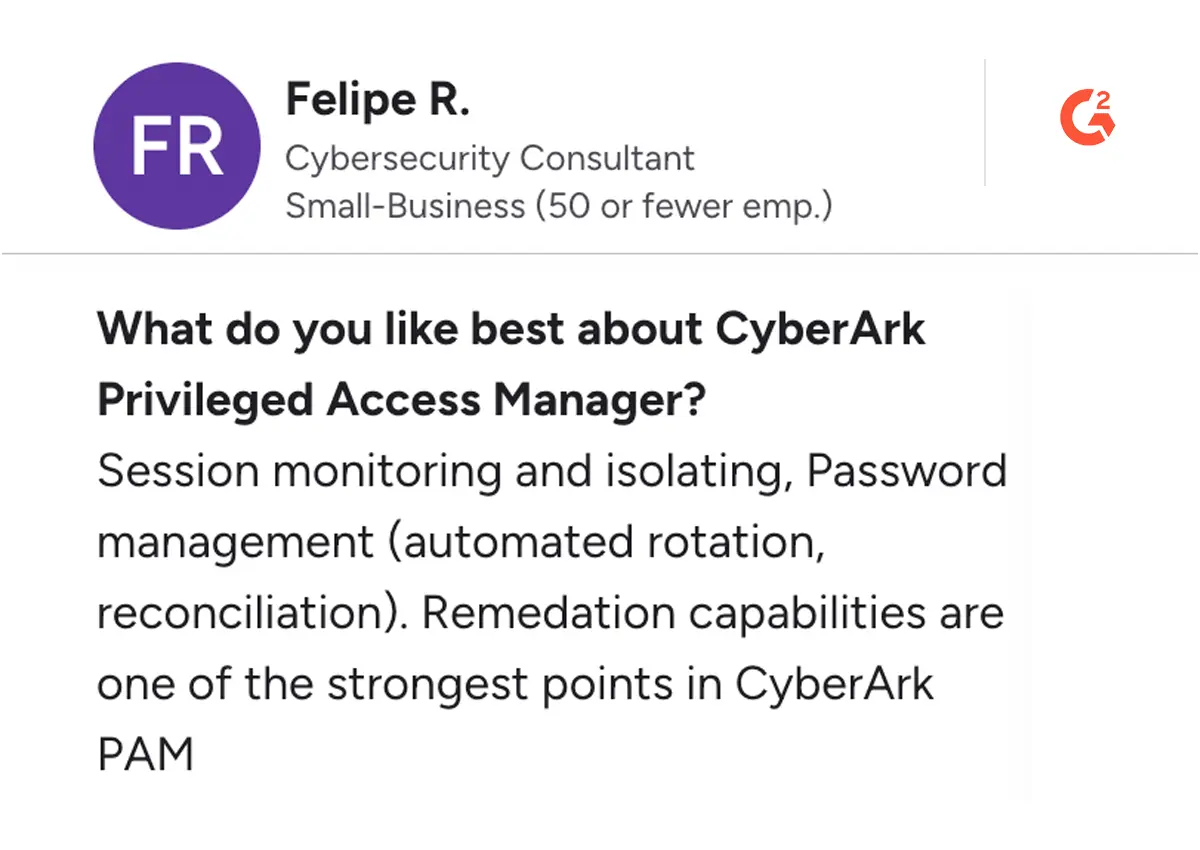
Cons
3. Delinea
About Delinea
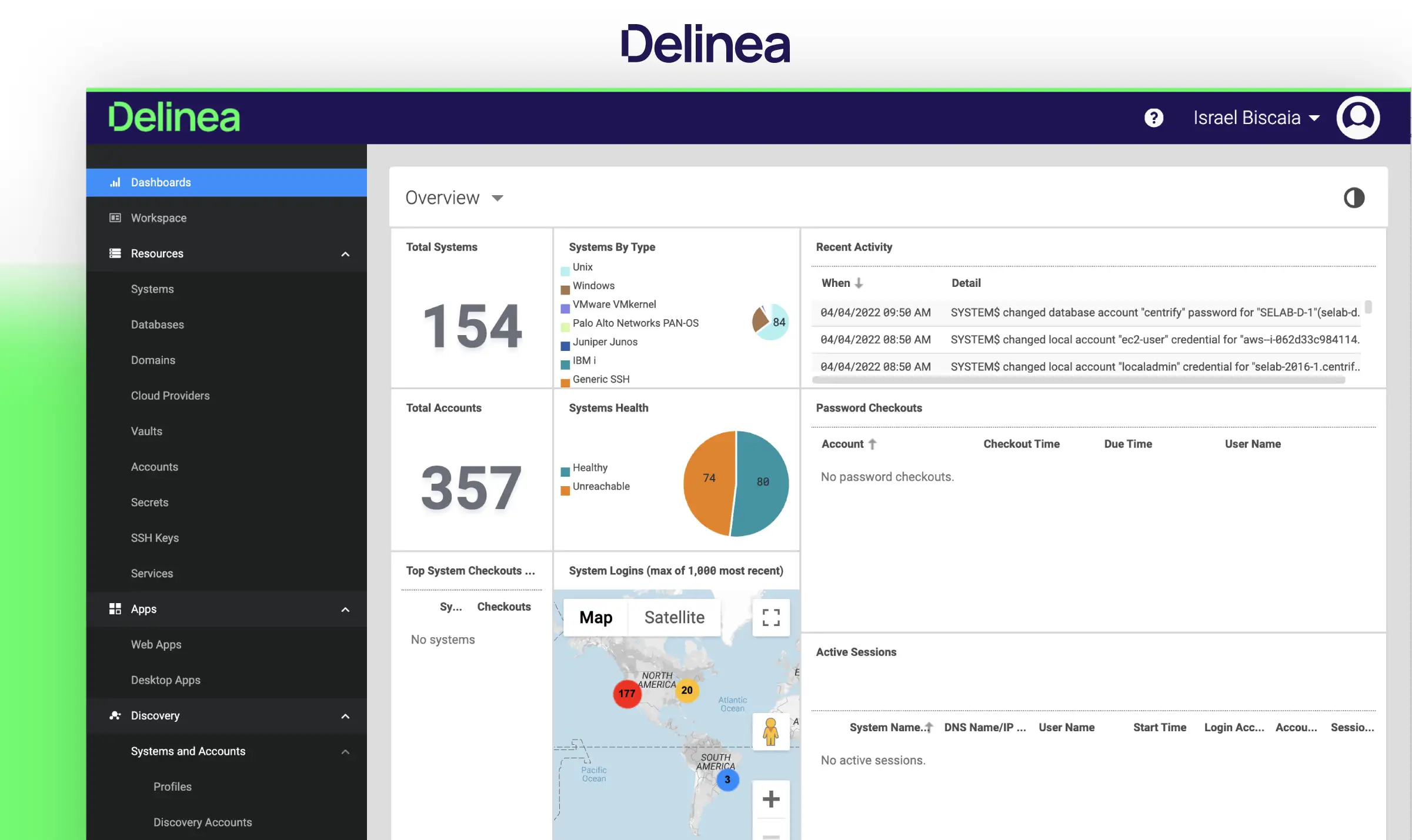
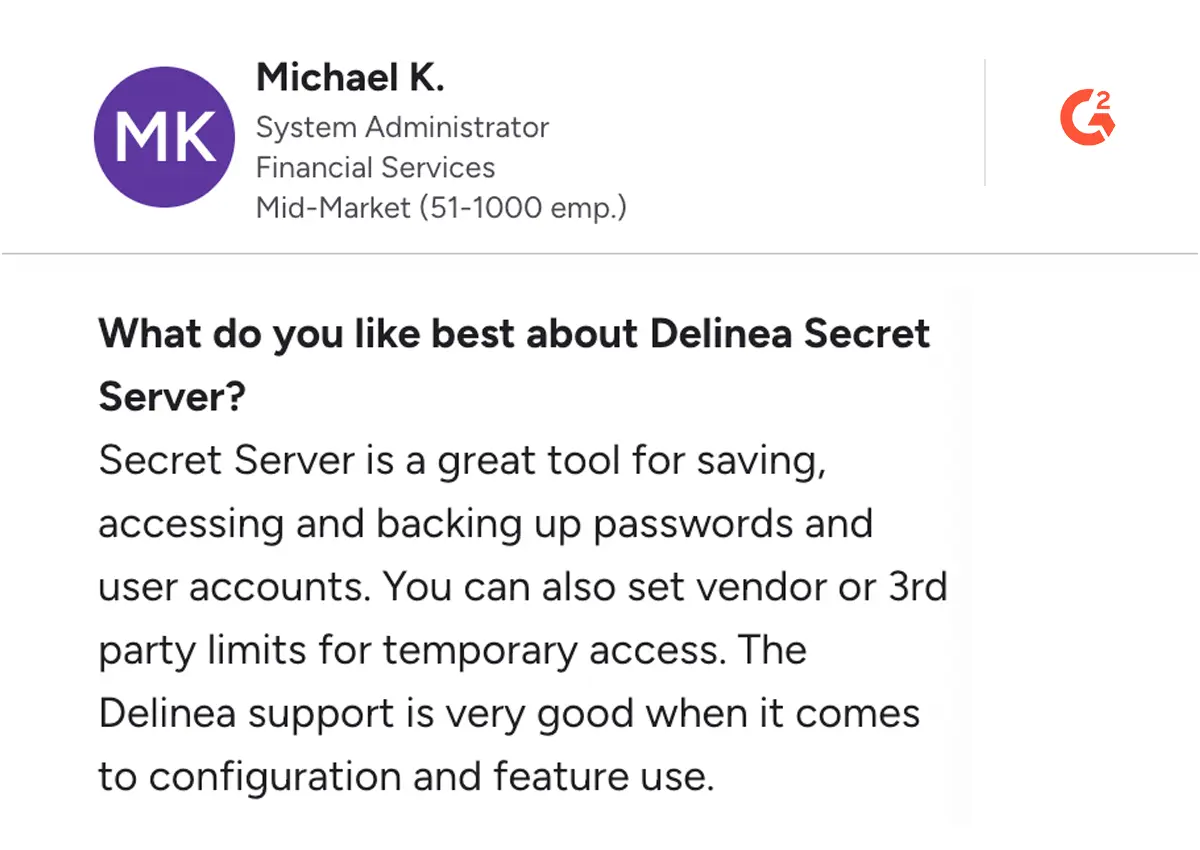
Delinea PAM (formerly ThycoticCyber) is a versatile Privileged Access Management platform designed to secure and manage privileged accounts effectively. With features like secure vaulting, automated password management, and real-time session monitoring, Delinea enhances security while simplifying access controls. The platform supports custom pricing, allowing organizations to tailor their solutions based on specific needs.
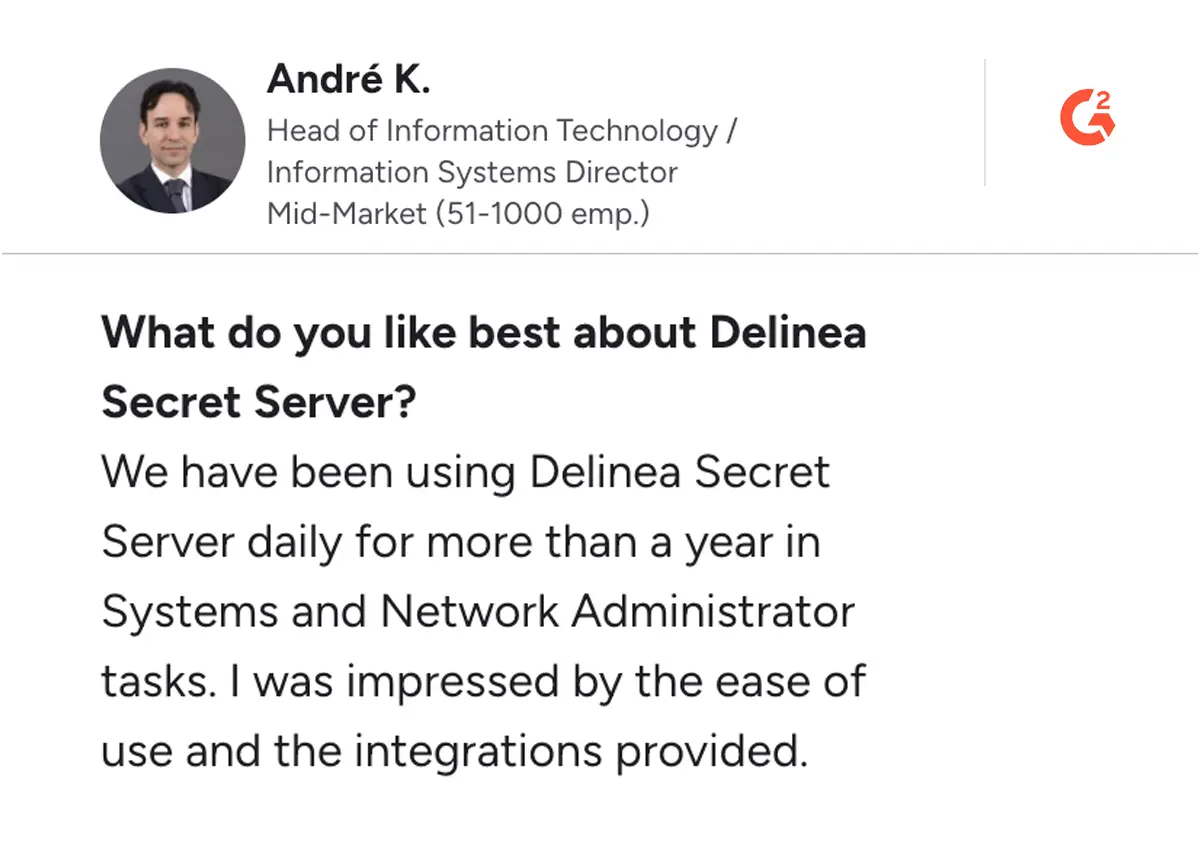
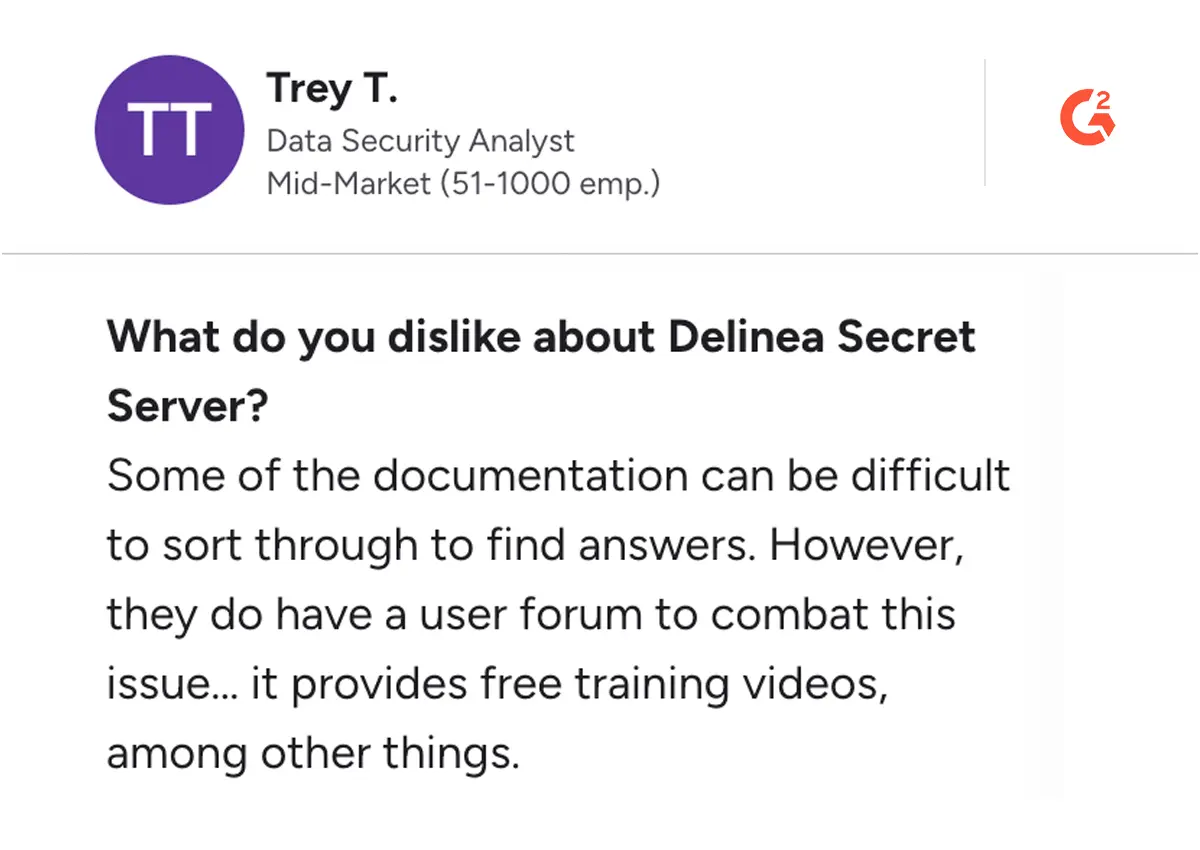
However, potential users should note that some vital features are only available as add-ons, which can complicate the overall cost of ownership. This variability may make it challenging for organizations to fully understand their financial commitment when implementing Delinea PAM. User reviews highlight the platform's ease of use and robust capabilities, particularly in hybrid environments.
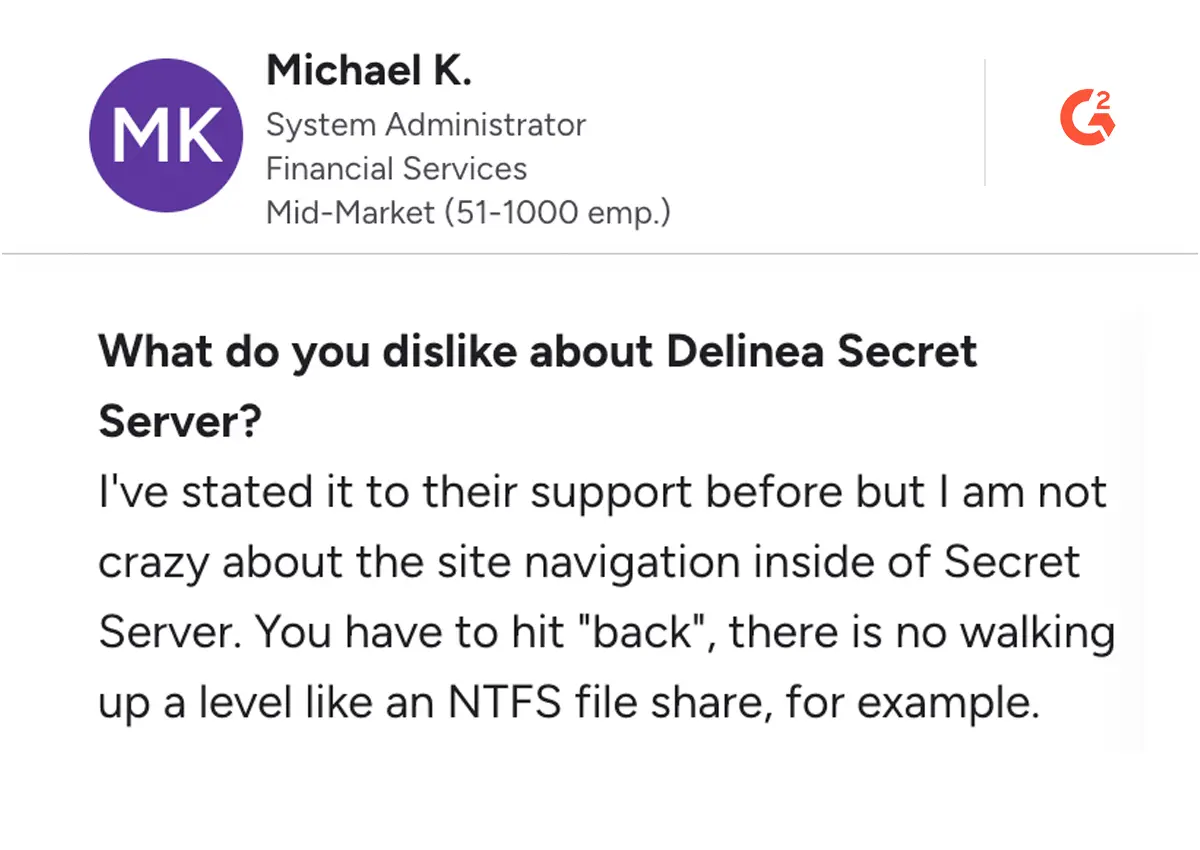
Delinea also offers intelligent workflows and adaptive controls, ensuring that organizations can enforce least privilege best practices effectively. Overall, while Delinea PAM is a strong contender in the market, organizations should carefully consider their requirements and budget, as well as explore alternatives that provide similar functionalities without the additional costs associated with add-ons.
Key Features
- Cloud-Native Access Control: Designed for distributed, multi-cloud environments
- Automated Credential Management: Intelligent password rotation and lifecycle management
- Zero Trust Integration: Seamless implementation of least-privilege principles
- Self-Service Password Recovery: Streamlined access restoration processes
Pros and Cons of Delinea
Pros
Cons
4. BeyondTrust
About BeyondTrust
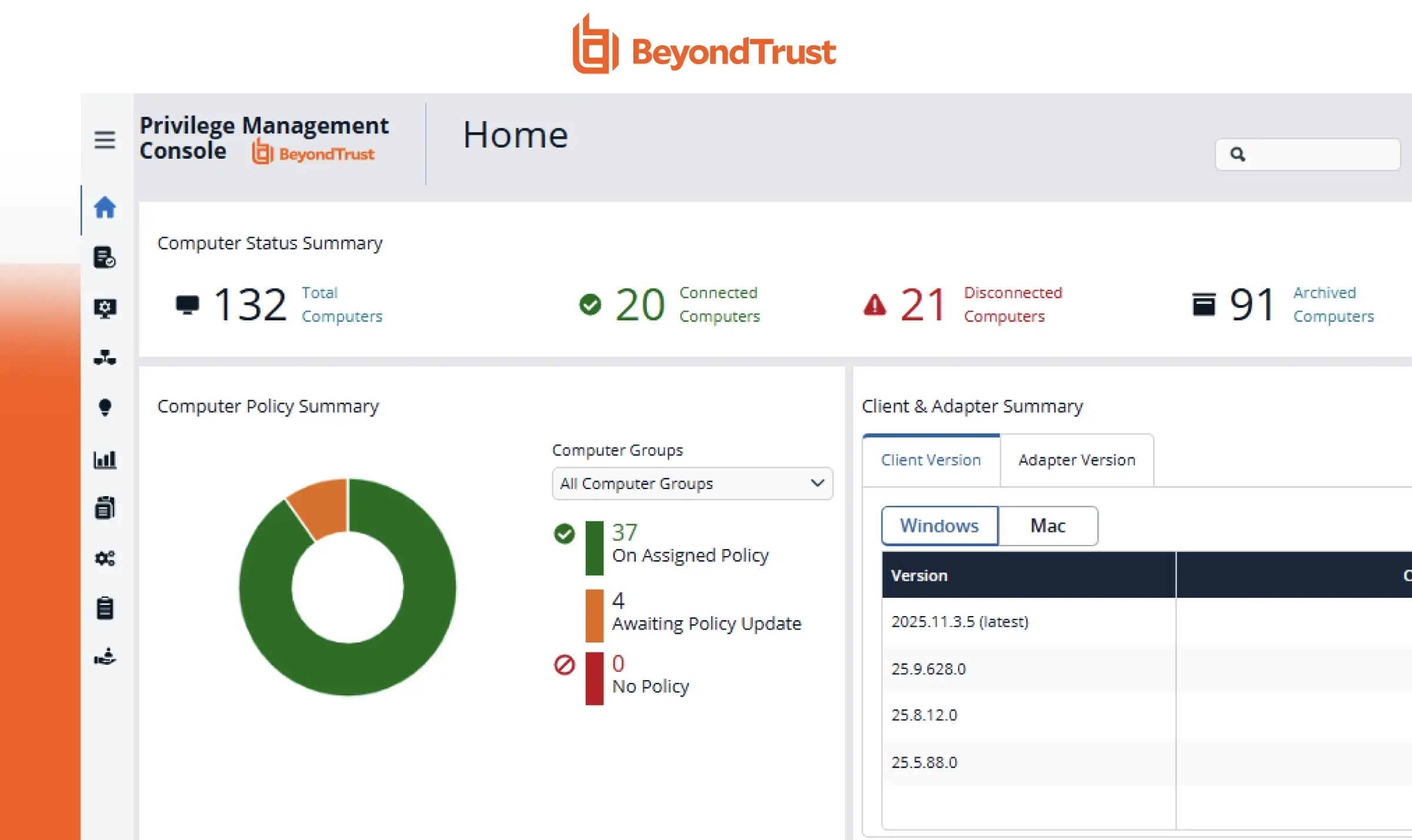
BeyondTrust stands out in the PAM market with its extensive suite of privileged access management solutions. At its core, the platform offers five key tools: Endpoint Privilege Management for granular access control, Password Safe for credential management, Privileged Remote Access for VPN-free system connections, DevOps Secret Safe for centralized secrets management, and Remote Support for IT troubleshooting.
The platform excels at managing identities across Linux, Mac, Windows, and Unix environments, making it particularly valuable for organizations with diverse infrastructure. Its dual-purpose password management system—combining a general vault with a specialized DevOps secrets safe—addresses both traditional and DevOps-specific security needs.
While BeyondTrust offers robust features and comprehensive security controls, users should note that each component requires separate licensing, which can impact overall costs. Integration limitations with single sign-on capabilities may also factor into implementation planning.
Key Features
- Privileged Password Management: Centralized vaulting secures privileged passwords, automating rotation and policy enforcement to minimize unauthorized access risks.
- Role-Based Access Control (RBAC): Allows administrators to define specific roles, ensuring users access only the resources necessary for their job functions.
- Threat Analytics: Provides insights into user behaviour and potential threats, enabling proactive risk management and faster response to anomalies.
- Endpoint Privilege Management: Controls and manages user privileges on endpoints, reducing the attack surface by enforcing least privilege principles.
Pros and Cons of BeyondTrust Solutions
Pros
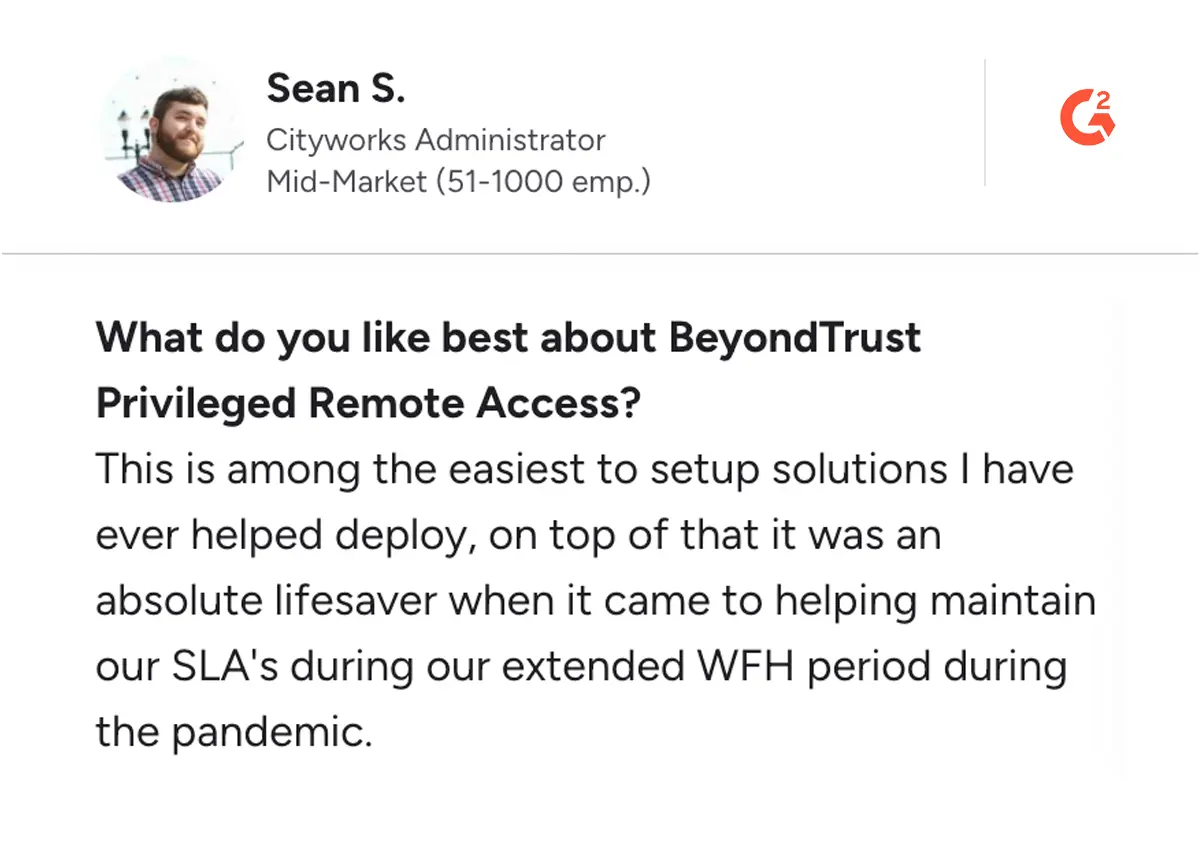
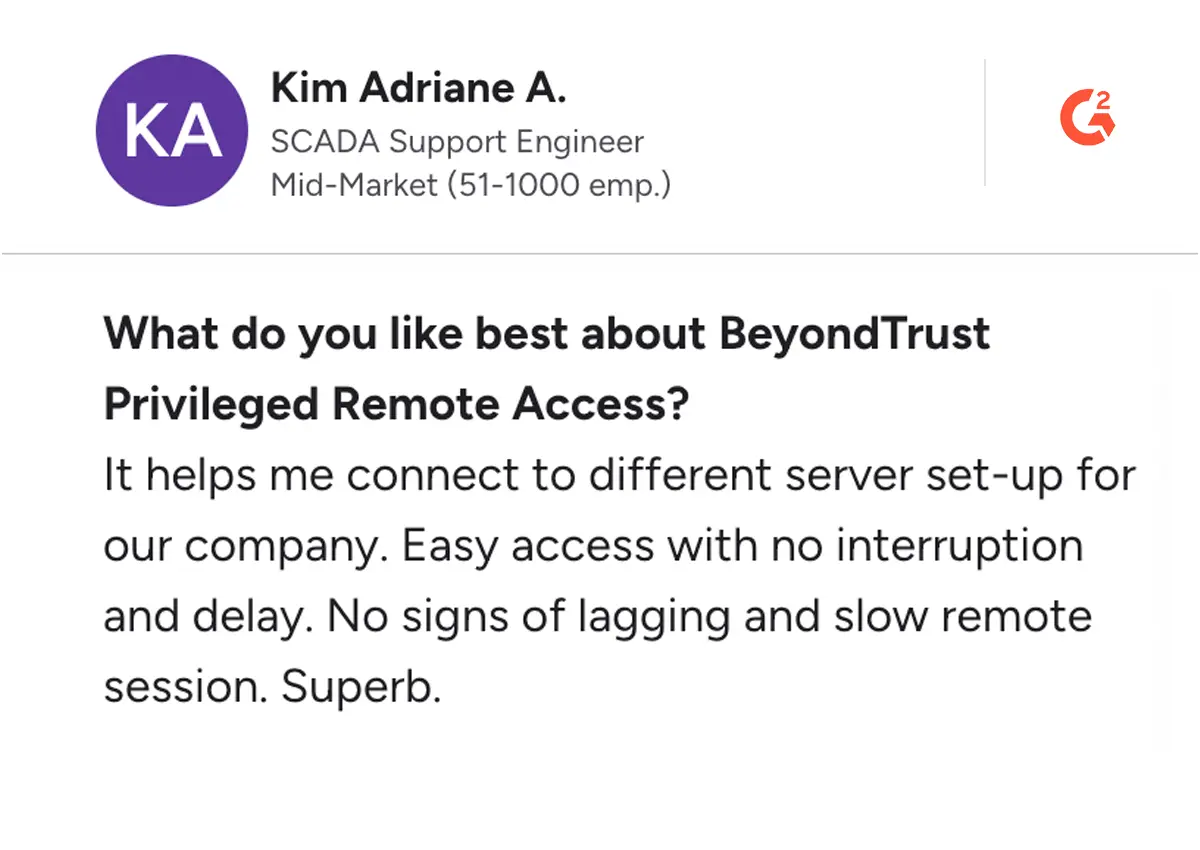
Cons
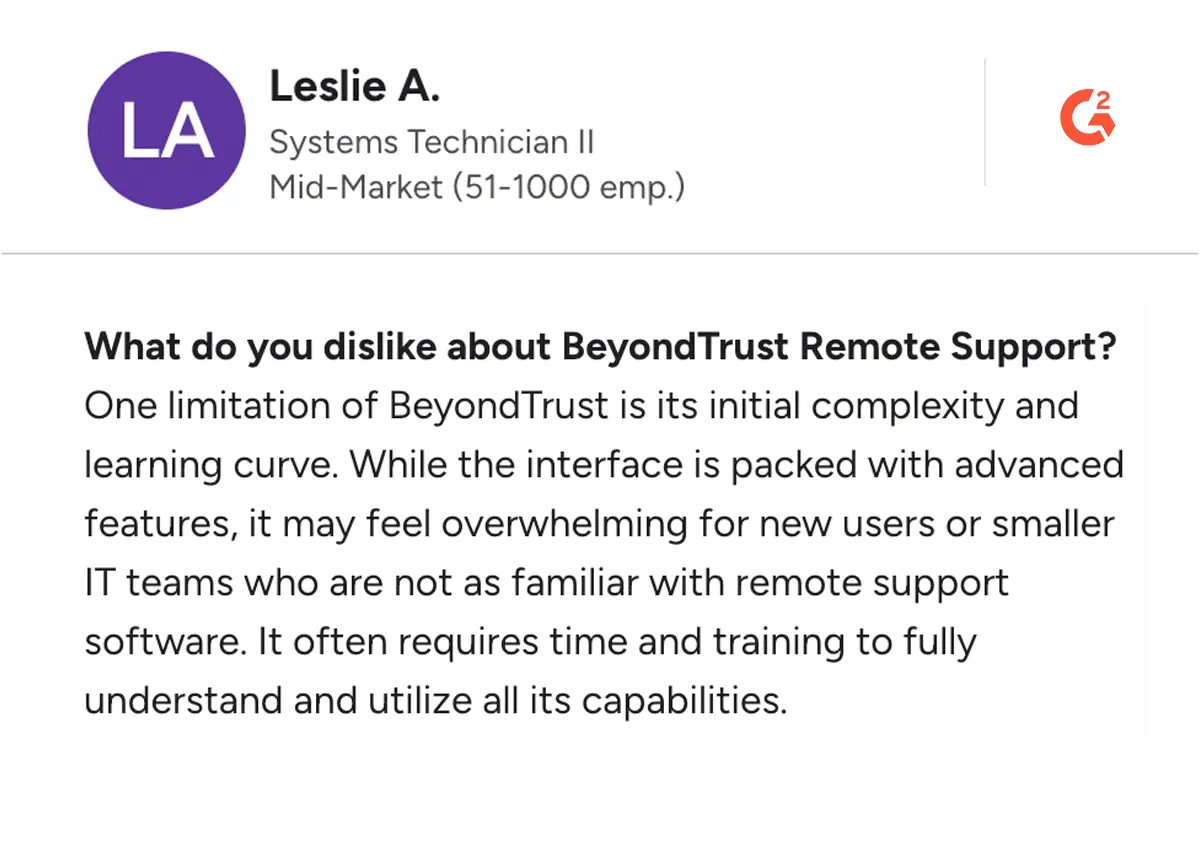
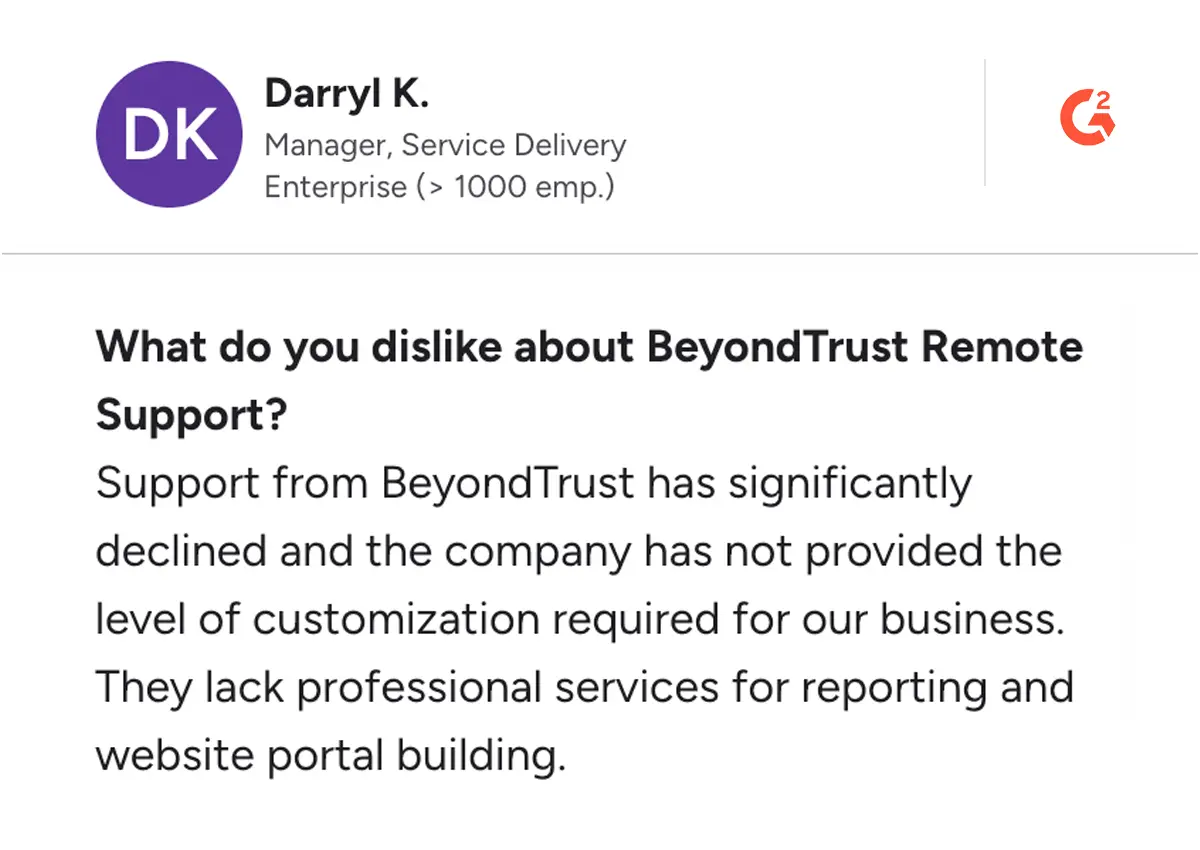
5. HashiCorp
About HasiCorp
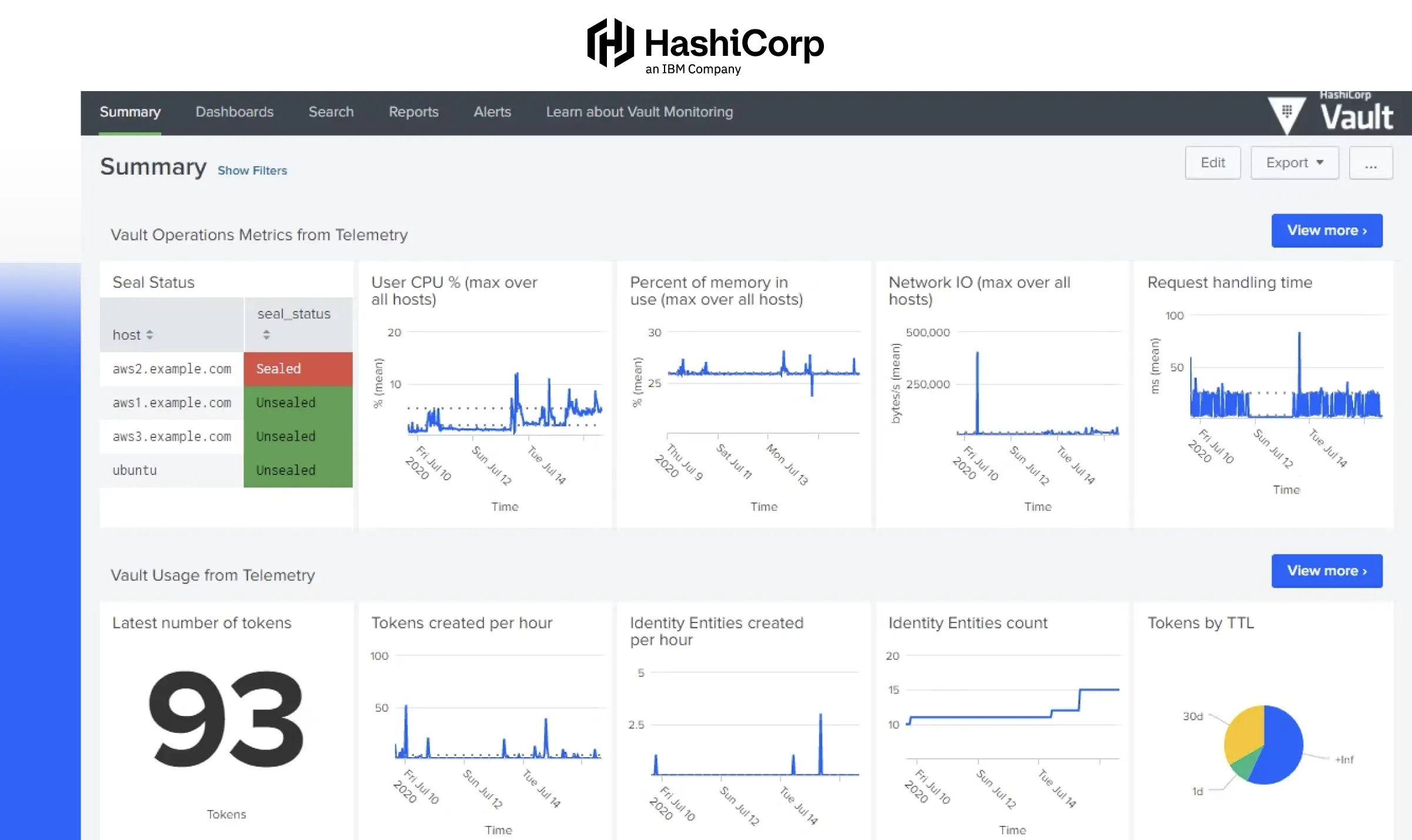
HashiCorp's PAM solutions, primarily through Boundary and Vault, offer a rather unique approach to PAM by seamlessly integrating identity-driven security with its infrastructure automation expertise. Its open-source nature and cloud-agnostic approach make it easy to maintain and control access.
With features like granular access control policies, comprehensive audit logging for internal and external threats, and MFA for privileged identities. The integration of identity-driven controls allows organizations to track user actions effectively, ensuring compliance with least-privilege principles while providing session recording for audit trails.
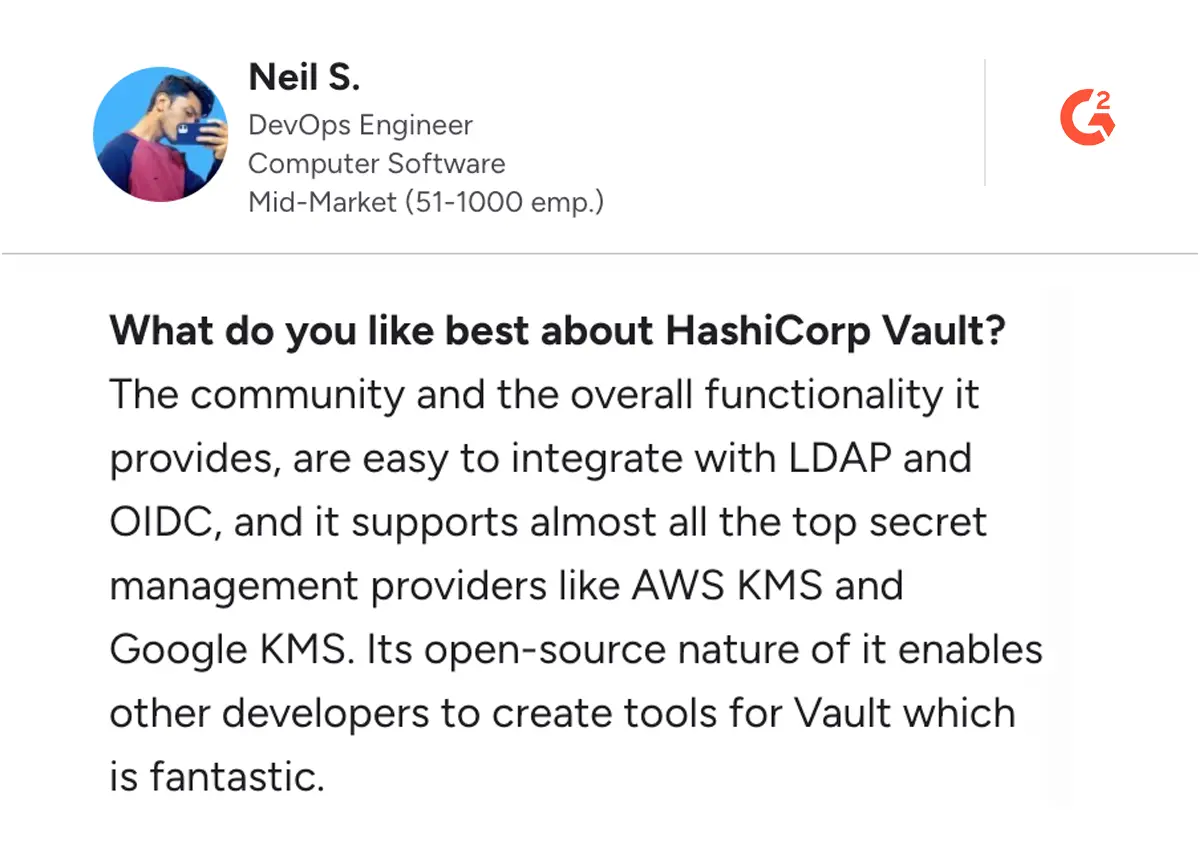
Praised for its scalability and integration capabilities, HashiCorp Vault excels in environments requiring consistent and automated security measures. It’s particularly suited for DevOps and hybrid cloud setups, where the rapid provisioning of secure access is crucial. Customer reviews often highlight its reliability, strong API support, and compatibility with various cloud providers, making it a preferred choice for teams managing dynamic workloads.
Key Features of HashiCorp
- Granular Access Control Policies: Enables fine-tuned permissions, allowing administrators to define who can access specific secrets and systems.
- Comprehensive Audit Logging: Maintains detailed logs of all access and system events, aiding compliance and forensic analysis.
- Multi-Factor Authentication (MFA) Support: Enhances security by integrating with MFA providers, adding an extra layer of verification for privileged access.
- High Availability Configuration: Supports clustering and replication to ensure continuous operation and fault tolerance.
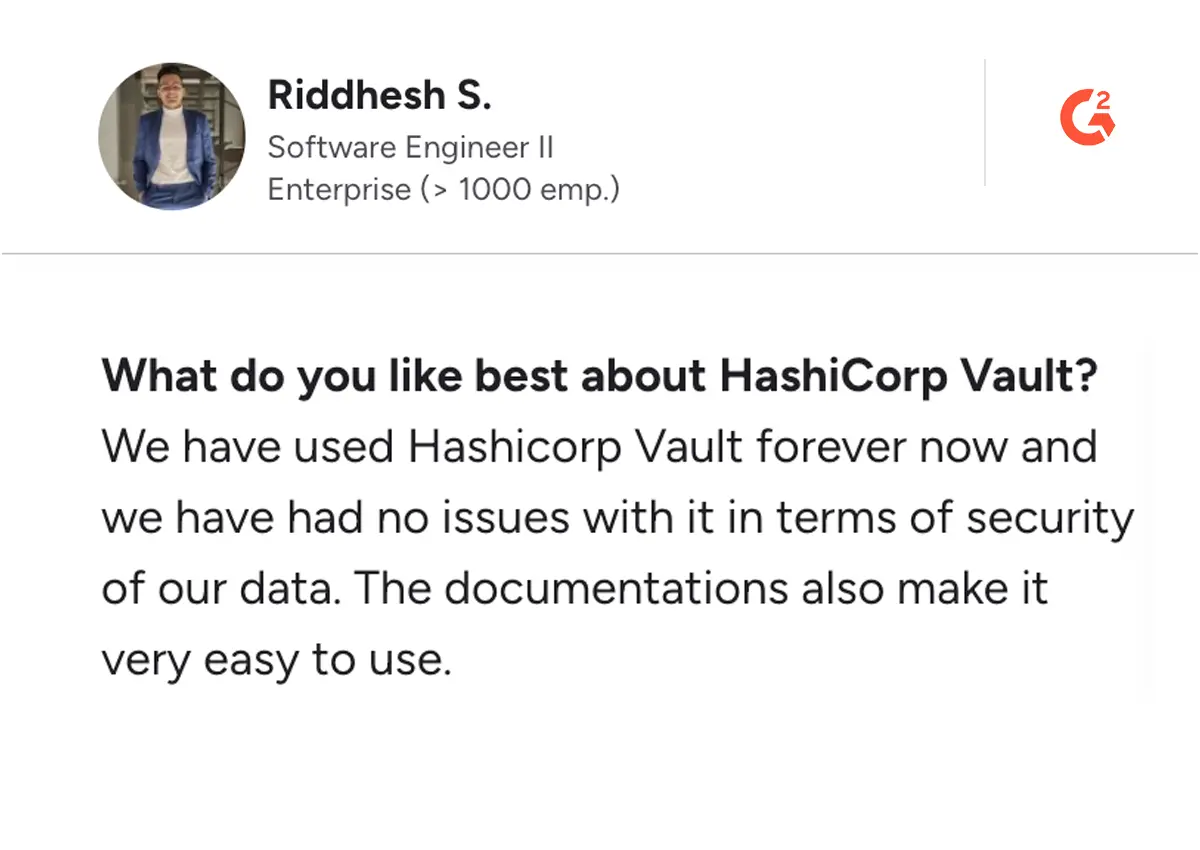
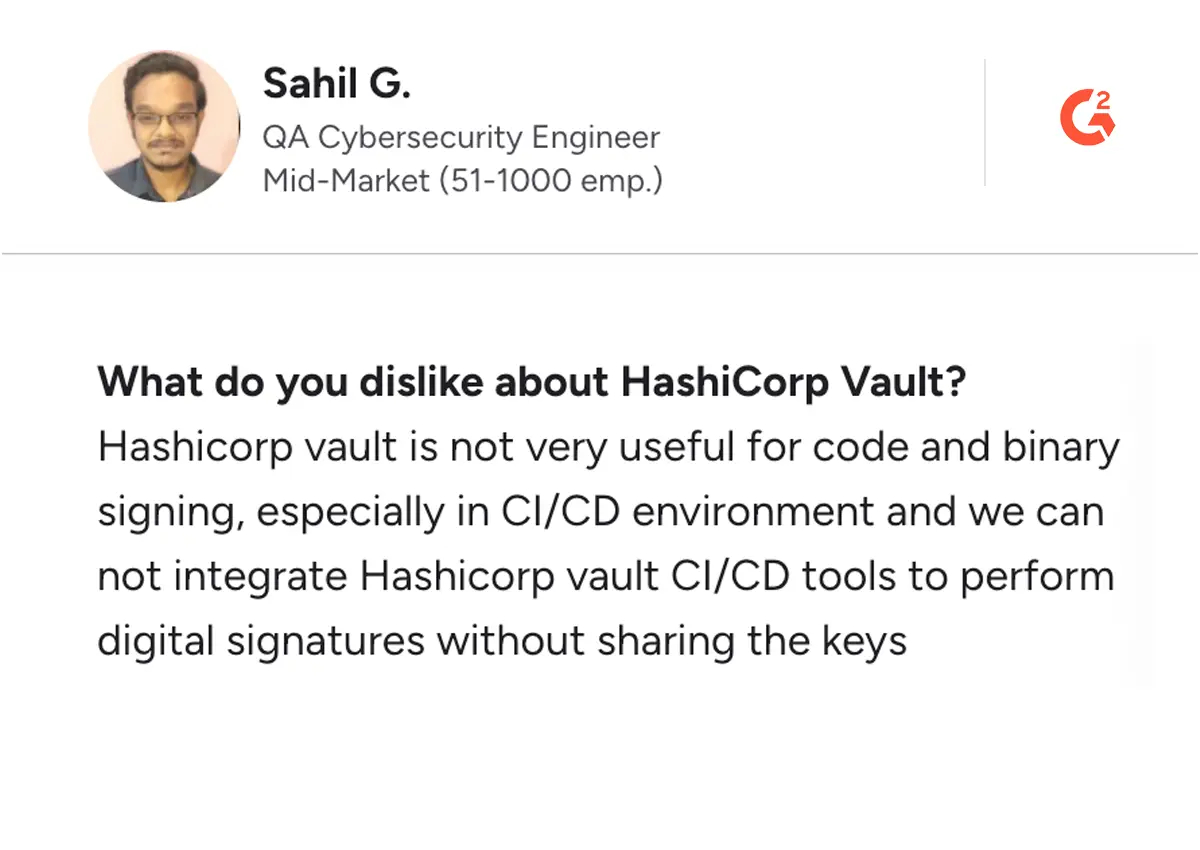
Pros and Cons of HashiCorp
Pros
Cons
6. StrongDM
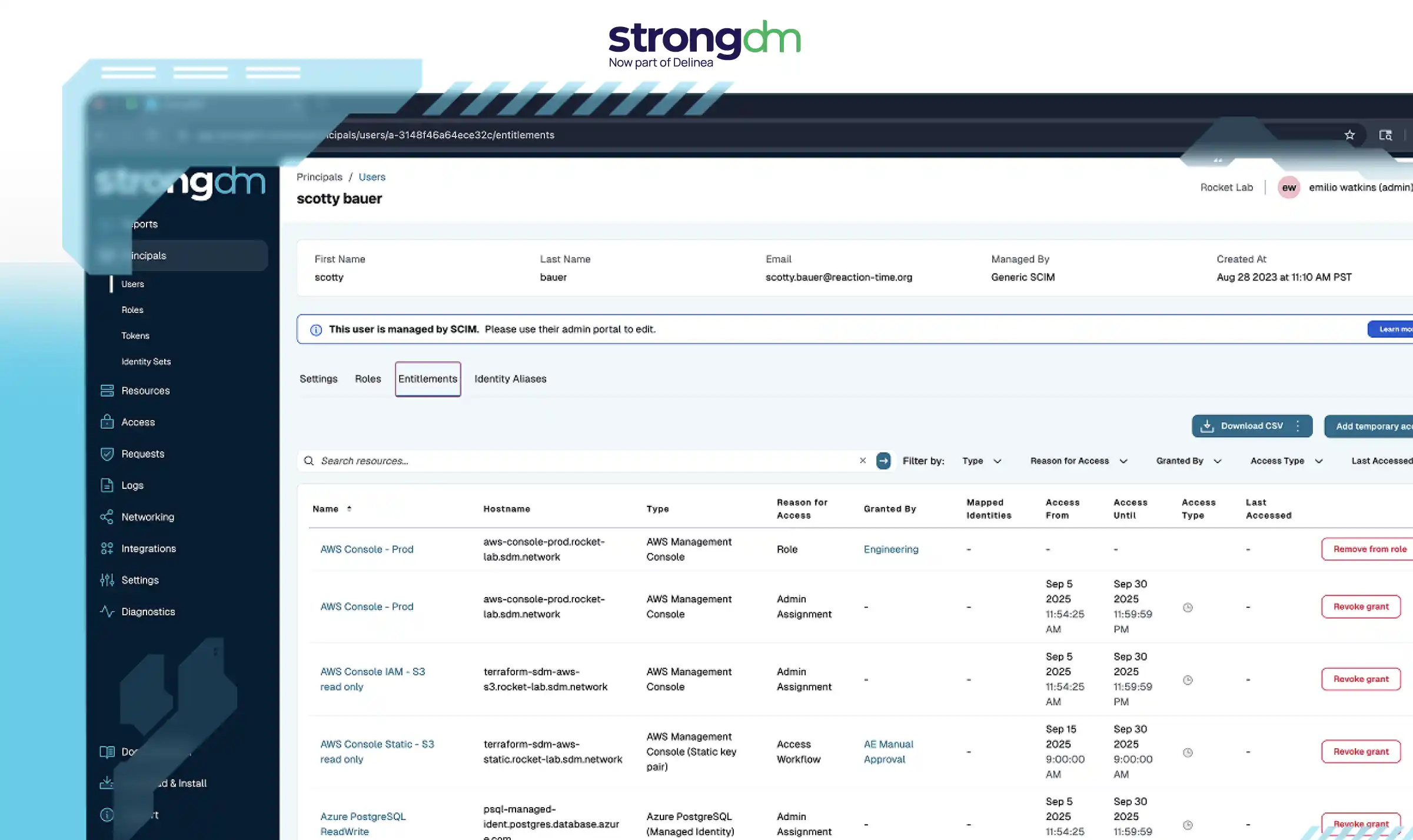
About StrongDM
StrongDM is designed to make access management seamless for security and compliance teams by eliminating the need for static credentials and restrictive policies. It simplifies access management for IT and security teams by offering granular controls that help deliver "just enough access" to privileged users without relying on static credentials.
With support for privileged identity management, user behaviour monitoring, and data container systems, StrongDM offers robust tools for managing access to modern infrastructures, whether in the cloud or on-premise.
The platform also excels in compliance reporting, making audits more straightforward by tracking privileged user activity and maintaining detailed logs. Its delegation management features allow secure delegation of tasks while ensuring accountability. By focusing on visibility and control, StrongDM equips teams with the tools to manage privileged accounts efficiently while minimizing risks associated with unrestricted access. It's a practical solution for maintaining security and productivity in complex IT environments.
Key Features of StrongDM
- Just-In-Time Access: Provides temporary, time-limited access to resources, minimizing standing privileges and enhancing overall security posture.
- Privileged Identity Management: Securely handle identities and prevent over-permissioning.
- Live Session Recording: Captures and stores user sessions in real-time, providing a detailed audit trail for compliance and security reviews.
- User Behavior Monitoring: Track and log privileged user activity for better visibility.
- Compliance Reporting: Simplify audits with detailed, real-time access logs.
Pros and Cons of StrongDM
Pros
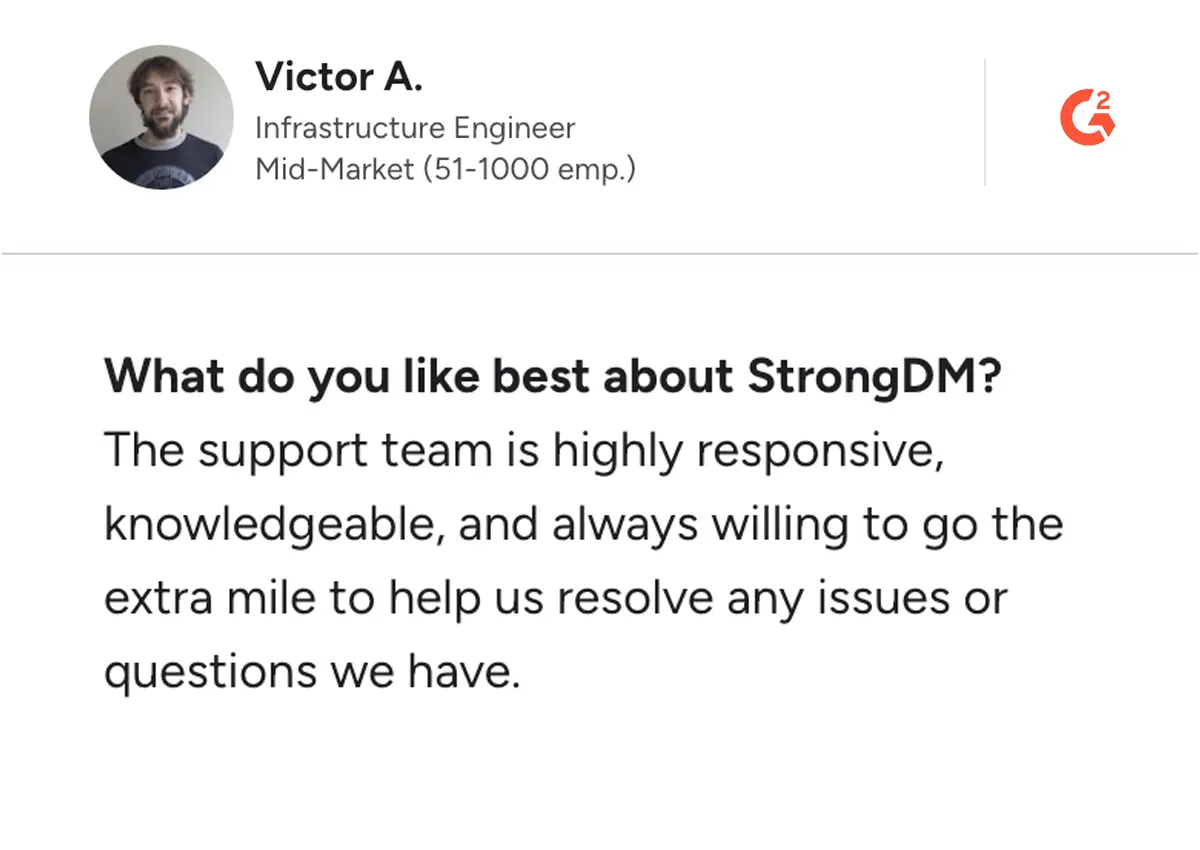
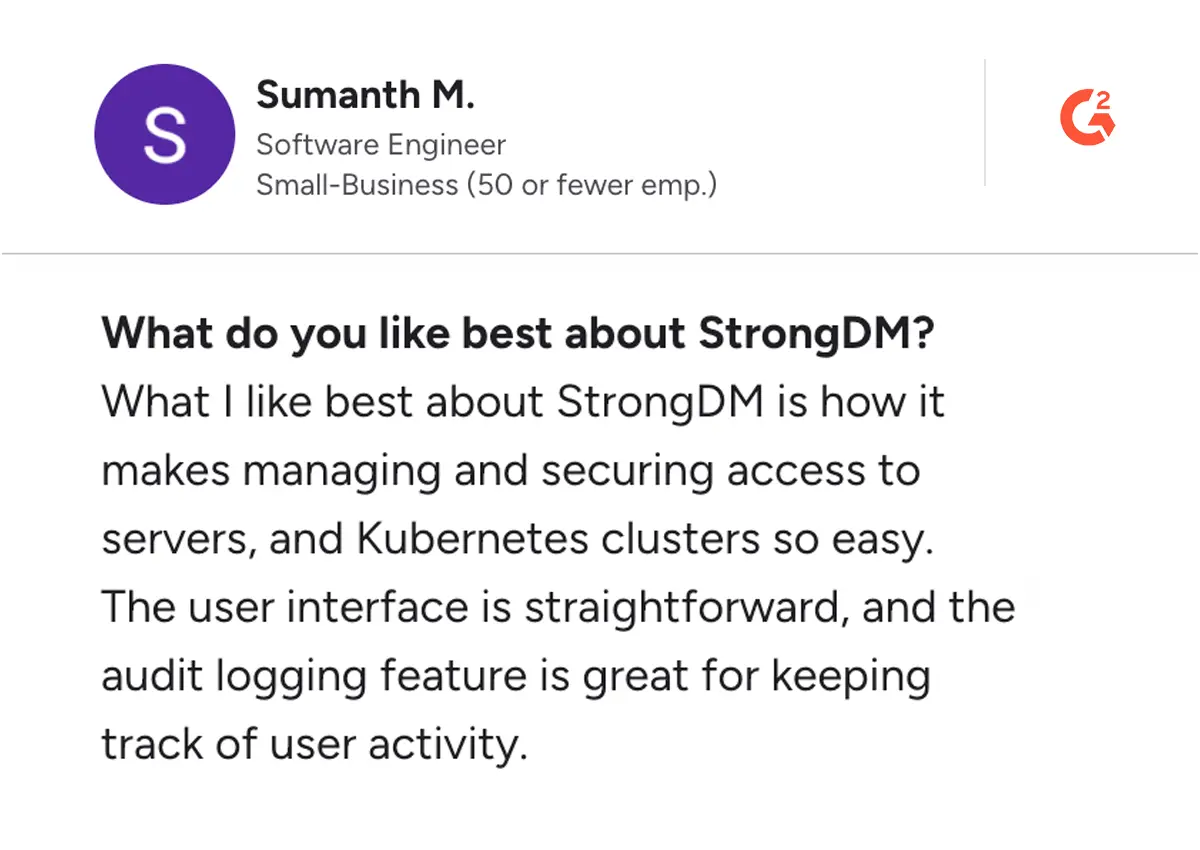
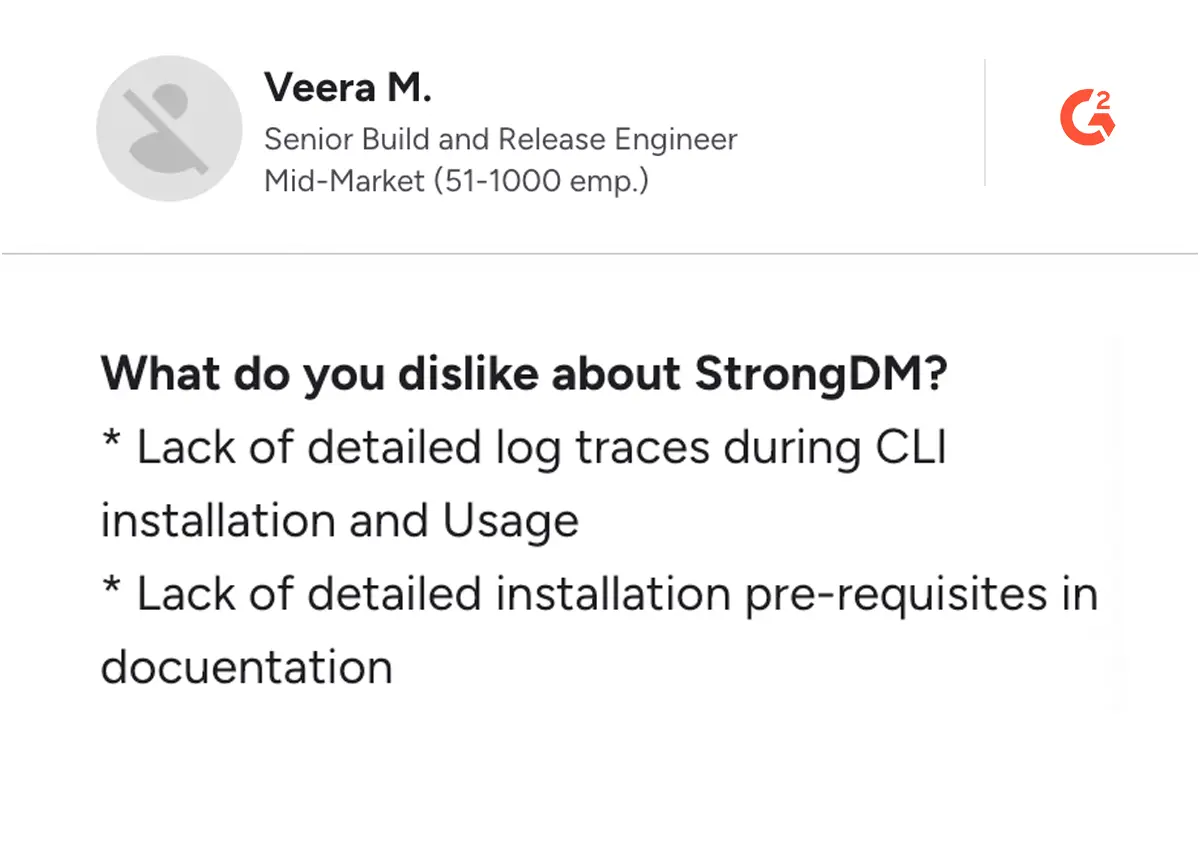
Cons
One Unified Platform—No Gaps, No Guesswork
Why piece together multiple PAM solutions when Securden offers everything in a single, seamless platform? Get comprehensive security with transparent, user-based pricing.
5 Factors to Consider While Reviewing the Best PAM Tools
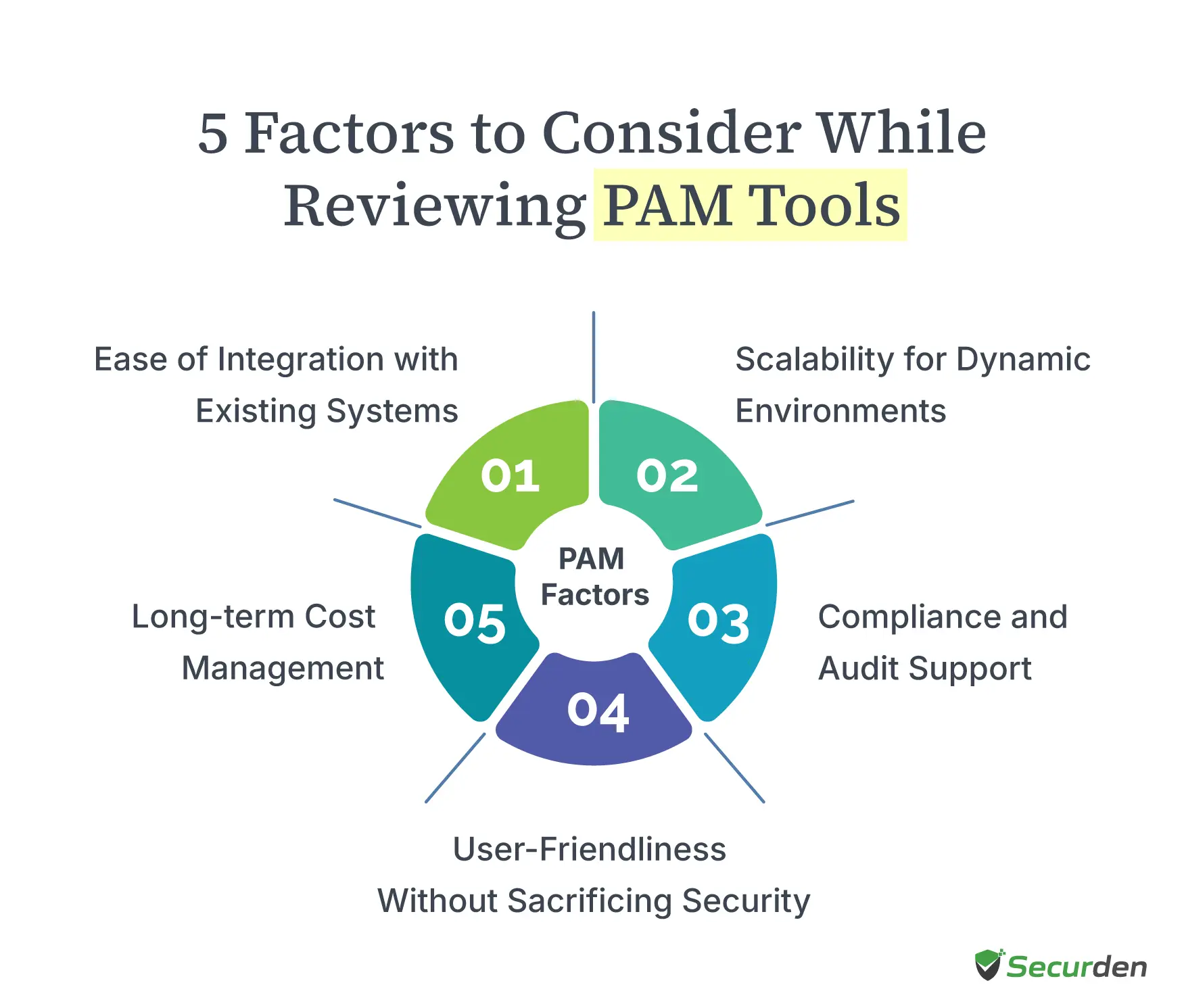
When reviewing Privileged Access Management (PAM) tools, it’s not just about standard features like password vaulting. You need to think about how the tool will fit into your organization’s broader security strategy, especially when it comes to protecting sensitive data and controlling privileged access.
Here are five key factors to keep in mind:
Scalability for Dynamic Environments
Your organization's security needs aren't static. As your business expands across hybrid environments and cloud platforms, your PAM software must adapt smoothly. Implementing robust cloud infrastructure security becomes essential as organizations scale their digital operations. Think beyond current requirements - your solution should handle increasing numbers of human and machine identities without slowdowns. Many enterprise security teams find themselves scrambling when their tools can't keep up with rapid scaling.
Example: Consider a bank that manages thousands of privileged accounts across multiple data centres. Their PAM solution needs to monitor user behaviour and control privileged access across their entire infrastructure without creating bottlenecks.
Ease of Integration with Existing Systems
PAM solutions shouldn't exist in isolation. They need to work smoothly with your existing tools - from Active Directory to your identity governance systems. Look for platforms that offer robust APIs and ready-made connections to your critical security and compliance tools. This integration helps automate routine tasks and strengthens your overall security stance.
Example: A manufacturing company recently implemented a PAM platform that syncs perfectly with their existing systems. Now their security teams can automatically manage local administrator accounts and track access data across all their systems.
Compliance and Audit Support
Modern organizations face stringent compliance requirements, from GDPR and HIPAA to SOX and PCI-DSS. A robust PAM tool must provide comprehensive auditing and reporting capabilities, ensuring your organization meets these requirements. Features such as session recordings, detailed activity logs, and real-time monitoring are crucial for demonstrating compliance during audits.
Example: During an audit, you can quickly show exactly how your team limits access to sensitive systems, manages delegation, and monitors privileged accounts - all from one dashboard.
User-Friendliness Without Sacrificing Security
Strong security shouldn't mean poor user experience. The best PAM solutions balance protecting privileged accounts with making access simple for authorized users. Look for features that streamline daily workflows while maintaining tight control over standing privileges. Features like simplified onboarding, role-based dashboards, and seamless password retrieval can make privileged account management less daunting.
Example: A user-friendly PAM tool might include browser plugins for one-click password retrieval or automated session access for administrators, reducing friction while ensuring secure access.
Long-term Cost Management
Understanding the full cost picture helps you choose a sustainable solution. Beyond initial pricing, examine how expenses change as you add more secure credential vault capacity or expand to new systems. Factor in automation benefits that reduce manual work and mitigate risk.
Example: Investing in a Cloud PAM tool with strong automation capabilities, such as automatic privilege elevation or de-provisioning, can save time and reduce labour costs over time, making it a more cost-effective choice in the long run.
By carefully considering these factors, you can make informed decisions when selecting a PAM tool that enhances your security framework while supporting operational efficiency.
Too Many PAM Tools Slowing You Down?
Unify, simplify, and secure your privileged access with Securden’s all-in-one PAM solution.
Stop Patching Together PAM Security Tools—Securden's Unified Platform Has You Covered
Every privileged account in your network is a potential gateway to your most sensitive data. Without the right PAM solution, managing user access across critical systems becomes an uphill battle. The best access management solutions can help you enforce the principle of least privileges, provide advanced features like just-in-time access, and eliminate standing privileges.
Yet, to achieve this outcome, many PAM vendors require you to stitch together different modules, adding unnecessary complexity and licensing costs. Securden’s Unified PAM changes that. As a leader in privileged access governance, we have developed a comprehensive, all-in-one platform—combining privileged credential management, role-based access control, session monitoring, and privilege elevation without the need for extra add-ons.
With straightforward, user-based pricing, no hidden fees, and industry-leading support teams always on standby to help, Securden makes it easy to secure privileged accounts while keeping costs predictable.
Don’t settle for fragmented PAM tools —simplify and strengthen security with Securden. Get started today!
No More Security Patchwork—Get Complete Control
Stop layering tools to manage privileged credentials. Securden’s Unified PAM delivers seamless access management and eliminates security gaps.
FAQs About PAM Tools
1. What is a PAM tool?
A PAM tool is a cybersecurity solution that secures and manages access to privileged accounts, such as administrator credentials and service accounts. It vaults privileged credentials, controls who can use them and when, and records privileged sessions for full accountability. This reduces the risk of credential misuse, shrinks the attack surface, and supports compliance with regulations like GDPR, HIPAA, and PCI-DSS.
2. What common challenges do organizations face when implementing PAM solutions?
Most organizations struggle with mapping user access needs, managing service accounts, and changing existing workflows. Teams often face resistance when replacing standing privileges with just-in-time access. Technical hurdles include integrating PAM with critical systems and maintaining performance during deployment.
3. What are the key benefits of using PAM tools?
PAM tools strengthen security by controlling privileged credentials, reducing attack surfaces, and protecting sensitive data. They automate access management, simplify compliance reporting, and help prevent unauthorized access to critical systems.
4. How can organizations effectively train staff on PAM tools?
Start with role-based training focused on daily tasks. Create clear documentation, offer hands-on practice sessions, and provide quick reference guides. Focus on teaching privilege elevation workflows and credential management basics that match each team's needs.
5. What is the difference between on-premises and cloud-based PAM solutions?
On-premises PAM gives you complete control over your infrastructure but requires more maintenance. Cloud-based solutions, on the other hand, offer faster deployment and automatic updates but may have different security controls. Your choice depends on your security requirements and resource constraints.
6. What does a PAM solution cost?
Costs vary based on deployment type, features, and organization size. Factors like credential management, service account security, and privileged access control influence pricing. Some vendors offer subscription-based cloud models, while others charge per user or per endpoint.
7. What is the difference between PAM and IAM?
IAM manages user access for all employees, ensuring proper authentication and authorization. PAM solutions focus specifically on privileged credentials, privilege elevation, and securing privileged accounts to protect sensitive data and critical systems.
8. How can organizations measure the effectiveness of their PAM implementation?
Metrics include reduced standing privileges, time spent on access requests, successful enforcement of least privilege policies, fewer security incidents involving privileged credentials, and improved audit logs for compliance. Regular security assessments help gauge effectiveness.
9. How long does it typically take to implement a PAM tool?
Implementation time depends on infrastructure complexity and organizational needs. Basic deployments may take weeks, while full access management solutions with integrations and role-based access control can take several months.