




Connect in Seconds Over the Web
Launch support sessions instantly from any browser by creating remote session URLs; no VPNs, desktop software, or local agents required.
Operate with Standard Rights,
Elevate When Needed
Operate with standard user rights and elevate permissions only when needed, within the session. Eliminate credential exposure.
Control Access with Precision
Use granular, policy-based controls to define exactly which technicians can access specific endpoints.
Maintain Full Accountability
Monitor all remote activity with detailed audit trails and real-time notifications. Ensure demonstrable compliance and complete oversight.
Securden helps technicians connect to remote endpoints securely over the web through standard web-browsers. The existing privilege management agent is all you need on remote desktops/machines for attended and unattended sessions.
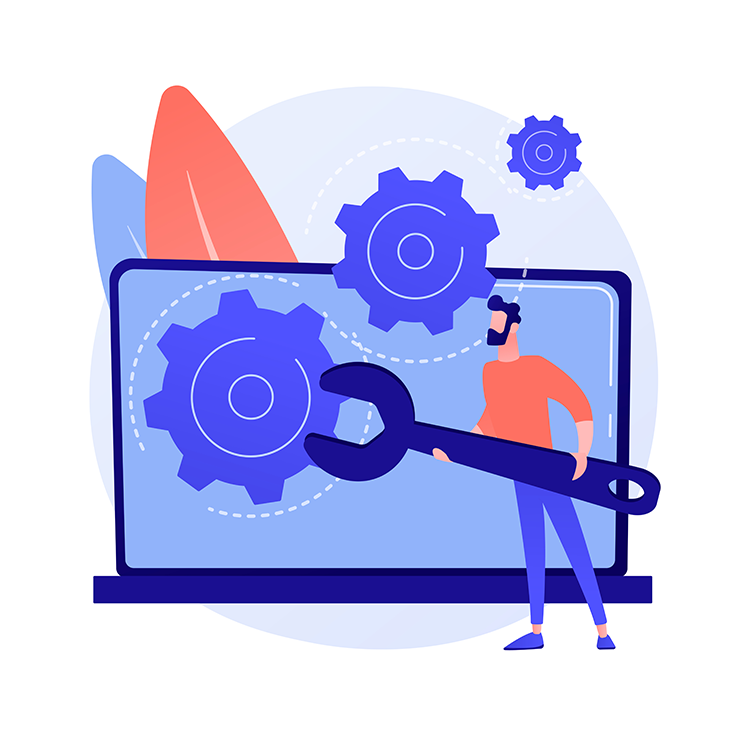
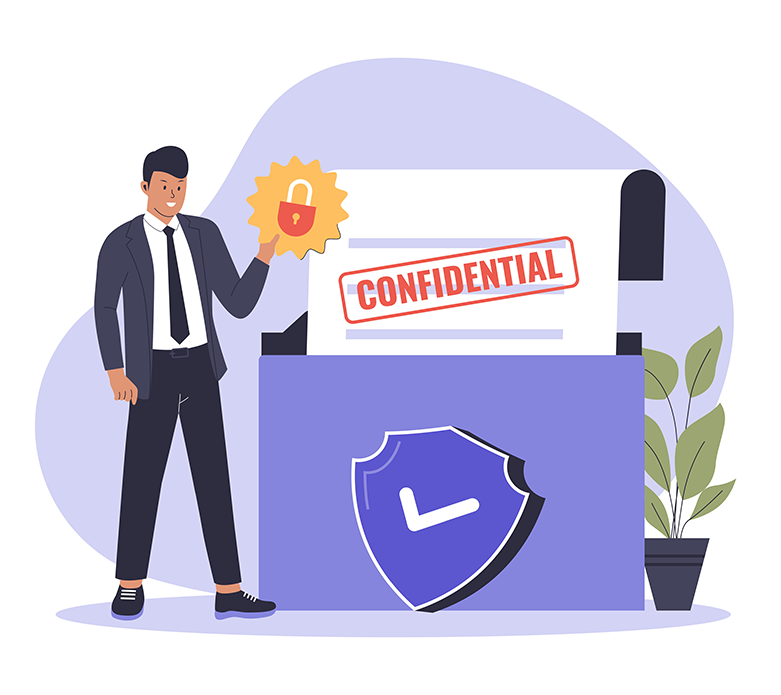
Securden Secure Remote Assist allows you to restrict IT technicians from launching a remote support session with admin rights. The technician would login as a standard user on the remote machine and avail admin rights only when needed through just-in-time privilege elevation.
Assign specific technicians for specific endpoints and end user teams. Streamline remote IT support through a robust policy-based approach. Control which applications technicians can run/elevate on endpoints.
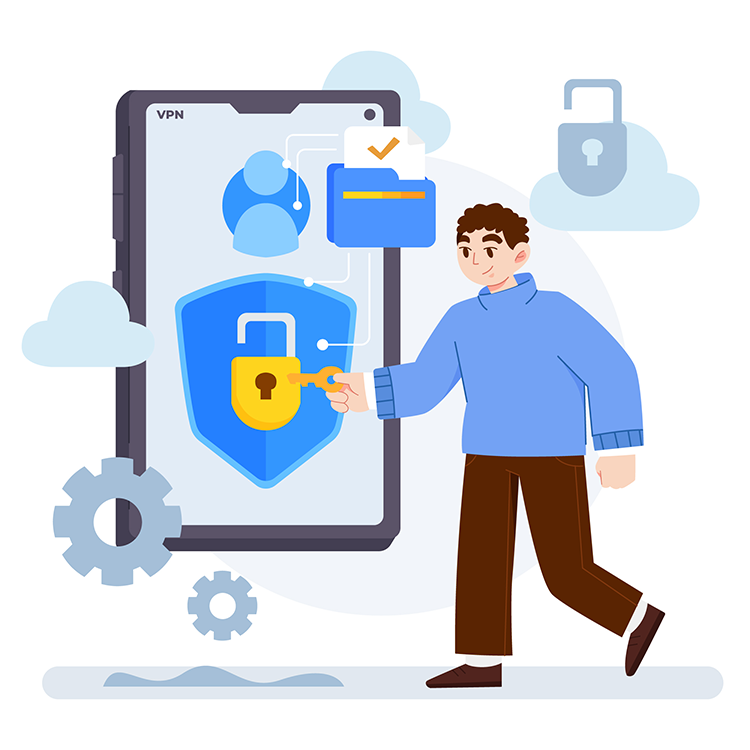
Avoid workflow bottlenecks with Just-in-Time local admin rights. Avoid session interruptions by eliminating the need for using admin credentials to gain local admin rights on the remote endpoint. Cut the Mean Time to Resolution (MTTR) dramatically and boost productivity.
This isn’t a security layer built on top of a remote access tool. This is a remote assist tool that is deeply integrated into our least privilege security platform.
Authenticate and verify the identity of IT support technicians before granting access to the remote desktop software.
Lend IT helpdesk assistance with user-attended and unattended, secure remote support sessions. Enforce user consent before launching attended sessions.
Control which endpoints each technician can manage and what applications the technicians can use.
Securden provides comprehensive text-based audit trails that track all activities of technicians to ensure accountability.
Provision access to the remote support solution automatically by leveraging tight integration between Securden and AD/Entra ID.
Verify the identity of technicians and administrators using your existing MFA solution. Securden supports Google, Microsoft, Duo, YubiKey, TOTP, and RADIUS.
Integrate with Identity Providers like Okta, OneLogin, and Ping Identity to help technicians authenticate seamlessly into the Securden platform.
Securden integrates with ITSM solutions like Jira, GLPI, SolarWinds, ManageEngine SDP, ServiceNow, Zendesk, and Freshdesk for streamlining workflows.
Send syslog information to your SIEM solution like IBM QRadar, Splunk, and LogRhythm to collect important information.
Store exported reports and backups on cloud storage services like Google Drive, Microsoft OneDrive, and Amazon Web Services.
Restrict technicians from having all-out access to endpoints and servers. Grant privileged access based on the principle of least privilege.
Prevent security and workflow bottlenecks and accelerate ticket resolution by allowing technicians to seamlessly gain admin rights on-demand.
Control which applications the technician can run with specific privileges through policies. Prevent unauthorized changes to system settings.
Log all privilege elevations during technician sessions and keep track of all applications that were run with admin rights on employee machines.
Instantly assist remote employees. Install approved software, troubleshoot issues, and configure settings—all with user consent and full auditability.
Perform secure, monitored remote support on servers, PAWs, and critical infrastructure. Maintain operational continuity without compromising security.
Safely grant contractors or vendors temporary, limited access to specific systems. Revoke access instantly when work is complete.


Secure remote assist connects the target device and the technician’s device through a tornado server residing on the cloud. The data is transmitted in an encrypted form utilizing reverse tunneling methods for added security. Only outbound ports need to be opened on both devices in addition to the internet port.
On cloud deployments, the workflow is very similar to the on-prem deployment model. The difference here is that the agents on endpoints already are connected to the cloud server, and you don’t need to configure connectivity between the tornado server and endpoint machines.
No, Securden Secure Remote assist doesn’t require any external, proprietary software installed on any device. The Securden Agent will take care of establishing remote connections and enforcing access controls effectively.
When IT support technicians launch remote connections to target devices, the technician is logged into the remote device with standard user rights. Securden admins also have the ability to control which apps the technicians can use on remote devices. With this multi-pronged approach, Securden Secure Remote Assist ensures that the principle of least privilege is followed.
Traditional remote desktop software uses generic remote connection protocols like RDP, SSH, and VNC. These protocols often create security gaps in the IT infrastructure as device trust is involved. Securden Secure Remote Assist ensures that the connections are made as secure as possible while providing a convenient way for IT support technicians to troubleshoot and lend assistance remotely.
Traditional screen sharing solutions often grant “all or nothing” access when a remote connection is made. There is no structured access control or visibility over what was done in the remote session. Secure Remote Assist provides a simple yet powerful way for IT-support personnel to connect remotely and assist users with the issues.
When remote assistance is required, the user can raise a request using conventional methods like raising a ticket in the ITSM solution or contacting the administrator directly. The administrator can initiate a remote assistance session for all remote assist-enabled devices that are currently online using the Securden agent or from the web interface. A consent prompt may be displayed to remote users based on the configurations set. Once the consent is granted, the remote session is established.