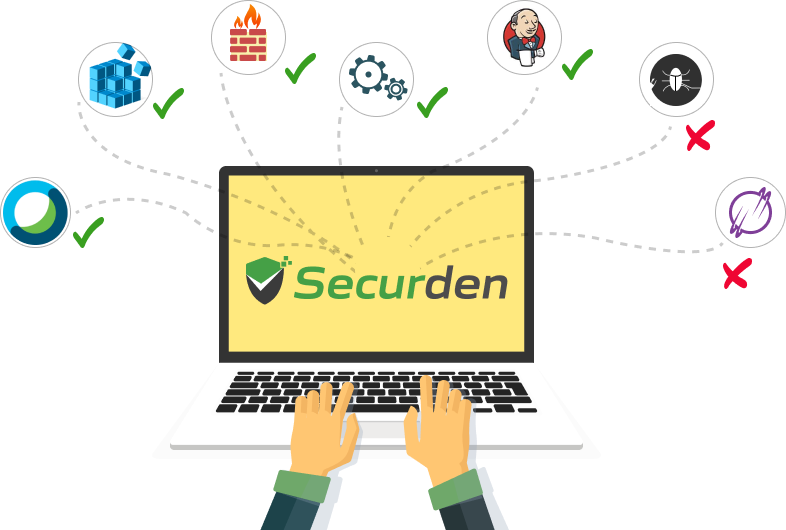
Traditional endpoint security solutions focus on detecting and alerting after an intrusion has already occurred. Application control flips the strategy to prevention: By default, it assumes all unknown applications are potentially harmful until they are explicitly authorized.
This zero-trust method improves security by:
Securden gives you total authority over your software environment with flexible policy enforcement.
Control begins with visibility. Securden EPM proactively monitors your endpoints to provide deep insights:
To accelerate deployment, Securden includes pre-defined application groups tailored to specific organizational departments. You can quickly enforce policies based on the tools required for different roles:
Application control can be enforced by both the principles of explicit (allowlisting) and implicit (blocklisting) trust. Blocklisting can be used to block known malicious apps, vulnerable and outdated applications while allowlisting is the preffered method for ensuring a secure IT perimeter. Rather than trying to keep track of every piece of malware in existence, the system focuses on identifying and permitting only the software you trust.
Here is the step-by-step process of how Securden EPM manages execution on your endpoints:
Step 1: Continuous Application Discovery
Control cannot exist without visibility. Securden agents constantly monitor applications, scripts, and installers that are run on endpoints and adds them to a centralized application repository, creating an operational baseline for application control. Here you can organize the applications into groups. You can manually add applications to the repository by defining various attributes like file hash, file path, digital publisher name, etc.
Step 2: Policy Creation
With the visibility over application execution in hand, the next step is to create allowlists or blocklists depending on the requirement.
Allowlists:Allows a specific set of applications and scripts and blocks the execution of all other apps, scripts, and executables.
Blocklists: Blocks a specific set of applications and scripts and allows all other apps, scripts, and executables.
Step 3: Real-Time Interception
Whenever a user attempts to launch an application, the Securden EPM agent intercepts the execution request in real-time. Before the CPU processes the instructions, the agent checks the application’s attributes against your defined policies.
Step 4: Automated Enforcement
Based on your rules, the system takes one of two actions:
Permit: If the app is on the Allowlist (or not on the blocklist), it launches seamlessly without user interruption.
Deny: If the app is on the Blocklist (or not on the Allowlist), the execution is terminated instantly, and the user receives a customizable notification explaining why.
Step 5: On-demand Application Access
If the execution of a specific application is blocked by the policy engine, the user has the option to raise a request for temporary access with the admin. Upon approval of the request, the user can open the app for a pre-determined duration.
Step 6: Log & Monitor
Every execution attempt, whether successful or blocked, is logged, providing an audit trail for compliance and security forensics.
The Securden Advantage: Securden EPM delivers sophisticated Application Control through a single, lightweight agent that is capable of privilege management along with app control. This reduces endpoint bloat and provides administrators with a unified console to manage software execution and admin rights using policies across the entire enterprise.
Securden EPM turns your endpoints into a fortress by ensuring only trusted applications are allowed to operate.Eliminate software-based risks and gain total visibility into your endpoint environment.


No, even though the agent interrupts app execution to verify the app attributes against the policies, the entire process barely takes a few microseconds. The user would definitely not experience any latency in app execution because of application control.
Application control is a proactive cybersecurity concept that prescribes policy-based restrictions on application execution. Instead of an IT ‘wild west’ where anyone can run any application, script, and installers, app control defines what applications each user can run on their endpoint.
Application control improves the security posture of the organizations by preventing malware, eliminating Shadow IT, and improving visibility over application usage on endpoints.
An application control tool can help organizations provide their users with the access permissions they need while preventing execution of unauthorized apps, scripts, and installers.
A single solution with both privilege management and application control toolset can help prevent software bloat on endpoints, reduce the number of backend processes, and streamline controls.
A centralized application repository used by both solutions acts as a single source of truth preventing redundant manual and programmatic efforts.
