70% of all organizations have reported the existence of dormant local admin accounts. This issue is so rampant because legacy IT teams often create a local admin account when onboarding a new employee. The IT admins often forget these local admin accounts, and they remain on endpoints having a bunch of unnecessary permissions.
Over time, the number of such rogue accounts increases. When the existence of such accounts is not tracked, it becomes impossible to enforce security rules and measures on such accounts.
Rogue privileged accounts are often the targets for attackers. Long forgotten, these accounts usually have stale passwords and inadequate security measures in place. The more the number of rogue accounts you have, the higher the risk of an attack.
It is important to track all admin accounts in an IT environment to ensure that adequate security and protection is maintained for privileged accounts. Completely removing admin accounts can result in unintended lockouts from endpoints.
Securden EPM allows you to address the issue of dormant, rogue admin accounts with the ‘Remove Privileges’ feature.
Feature Overview
Locating unknown admin accounts is a tedious task and is often the reason why many organizations turn a blind eye towards this issue.
Securden Endpoint Privilege Manager helps you identify local admin accounts by running a privileged account discovery on all the endpoints onboarded into Securden EPM.
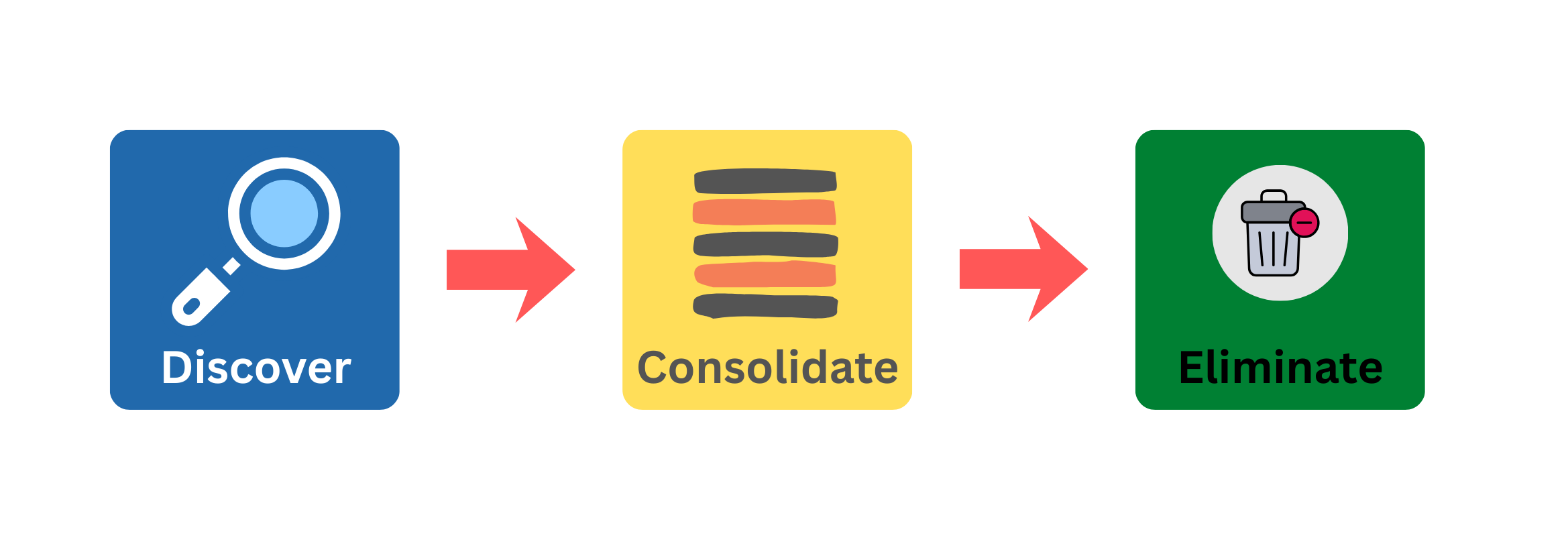
You will get a list of admin accounts on each endpoint, and you can identify the unnecessary accounts on each endpoint and remove them in a single click.
You can also remove privileges and demote admin accounts centrally across multiple endpoints using Securden Endpoint Privilege Manager.
How to Remove Local Admin Accounts using Securden?
Navigate to the ‘Privileges’ section in your Endpoint Privilege Manager UI and go to ‘Remove Privileges’ tab.
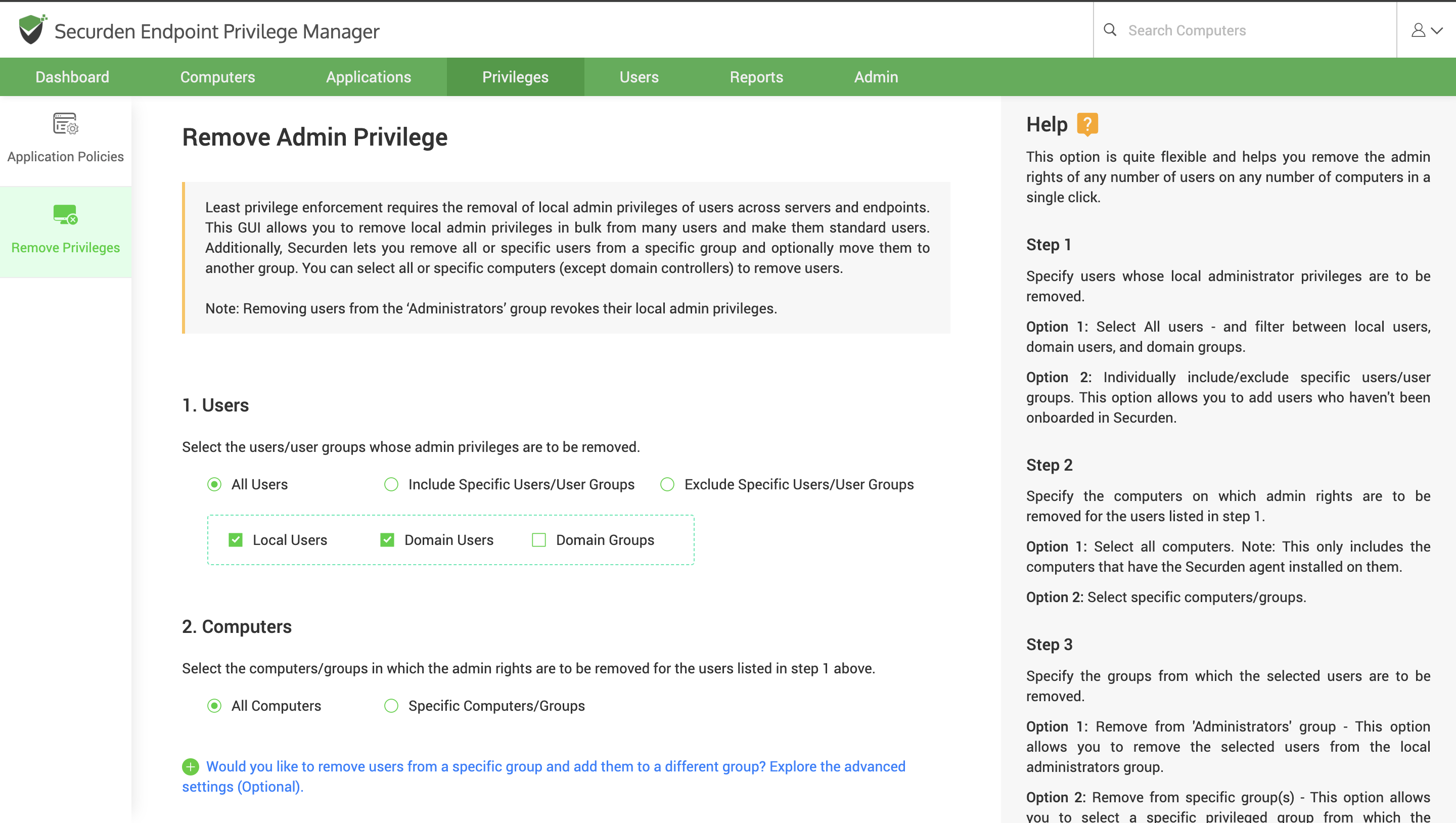
Here, you can select the users and the computers on which these users must be demoted to standard user privileges.