Transfer Files Securely Between Workstations
File-sharing programs and removable media are major vectors that contribute to malware propagation. If your organization has Securden in place, files and documents can be transferred through the PAM interface.
Securden lets your users transfer files between local and remote systems (that are added in Unified PAM) using the Secure File Transfer Protocol (SFTP). A protected connection is established to the remote system, and authentication occurs using login credentials stored in the encrypted vault.
Bi-directional File Transfer
You can transfer a file between your local system and a remote system and vice-versa. Additionally, Securden allows you to direct transfer files between two remote systems without routing files through your local machine, making it ideal for efficient server-to-server or remote workstation transfers.
The list of all folder directories is displayed, allowing the user to upload, download, and copy files between the machines without needing to open a separate remote session.
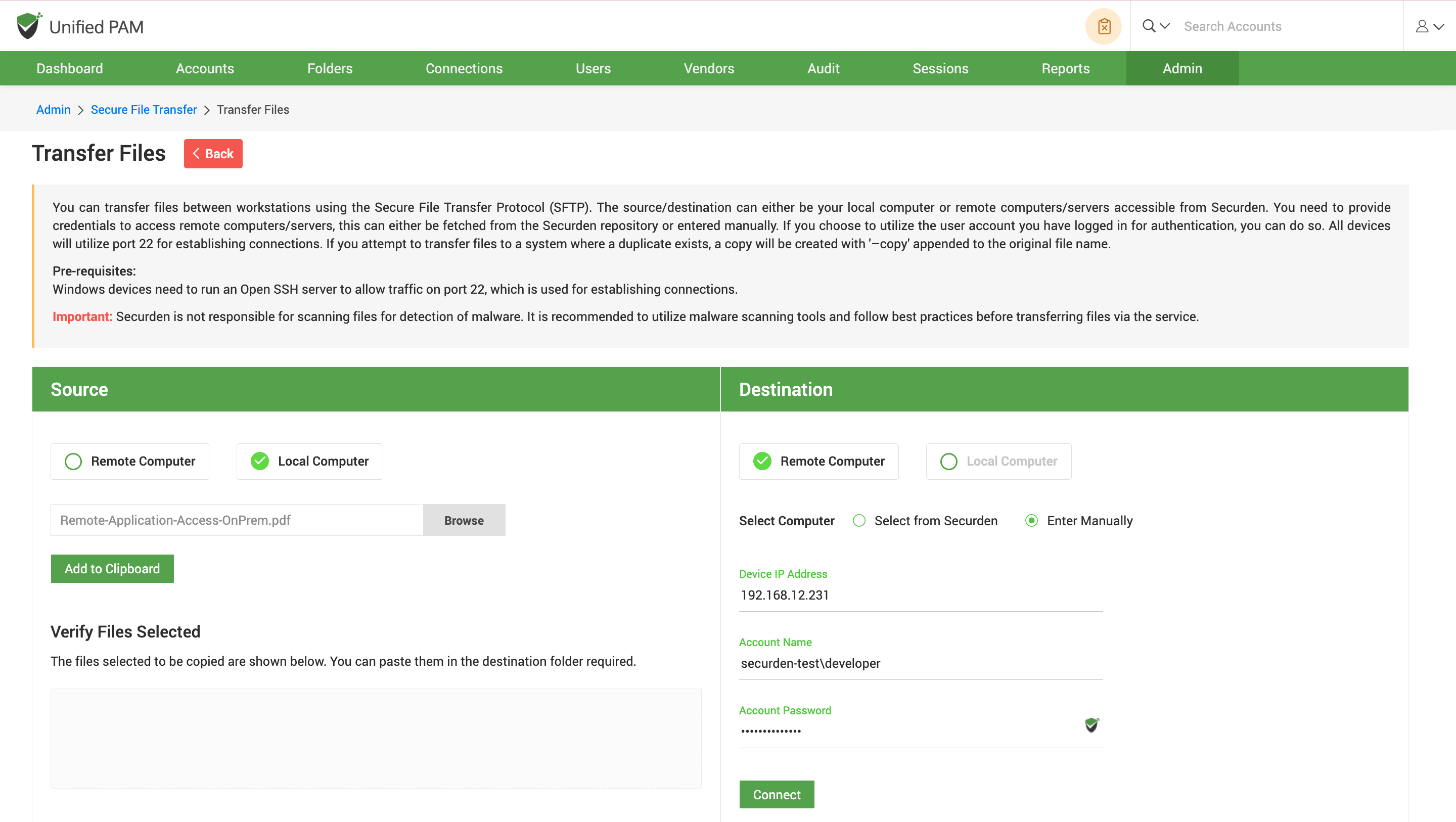
Note: Securden is not responsible for scanning files for detection of malware. It is recommended to utilize malware scanning tools and follow best practices before transferring files via the service.
